

Mobile
Notifications and Reactions on mobile
We’ve added a Notifications tab to our mobile app, in-app notifications, and emoji reactions on notes! All to help you recruit better with Teamtailor.
Valérie Downey
The amount of Teamtailor mobile app users keeps on growing, so we keep improving it!
When you’re recruiting with our mobile app, it’s always nice to stay updated with the latest activities and take appropriate action. I mean, that’s key in staying effective. So, we’ve added notifications to our mobile app to help you do exactly that!
Notifications tab
When you open the app, you’ll see a bell icon. And by bell, I mean ringing bell 🔔, not like a bell pepper 🌶(this is the closest emoji I found). Anyways.
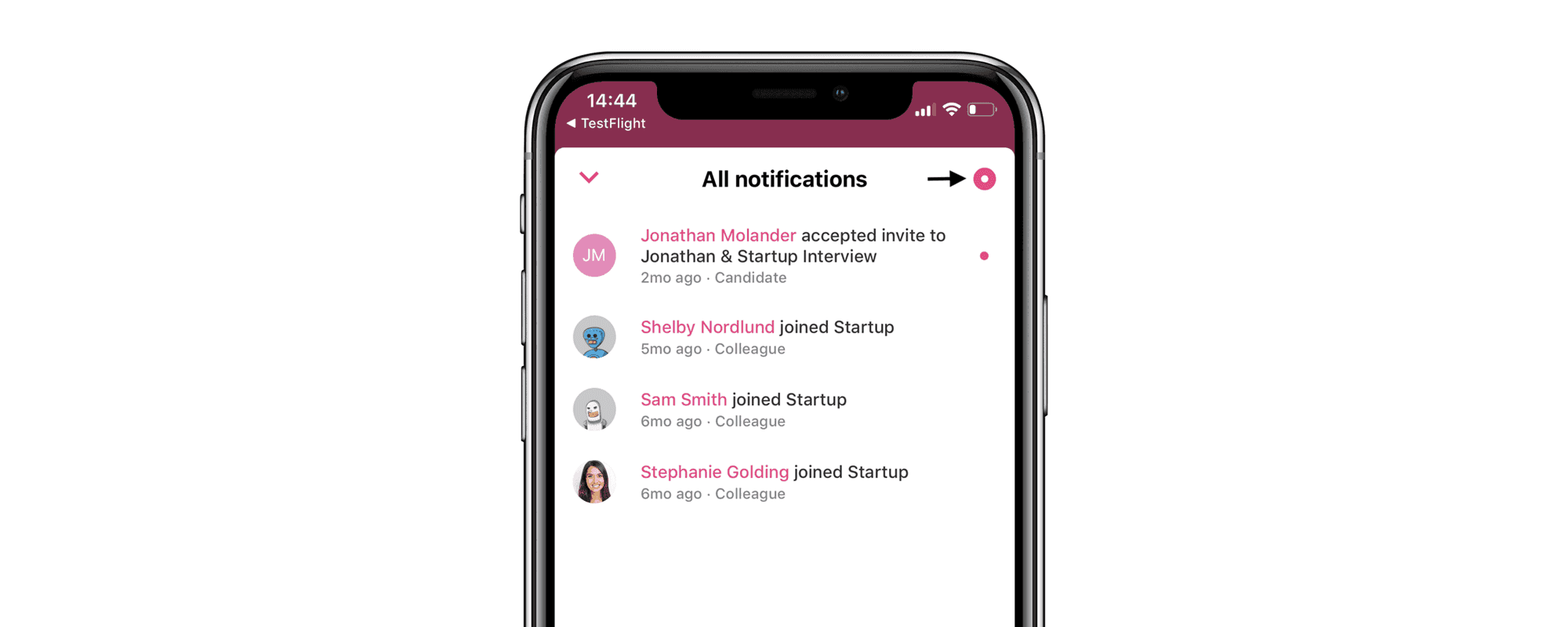
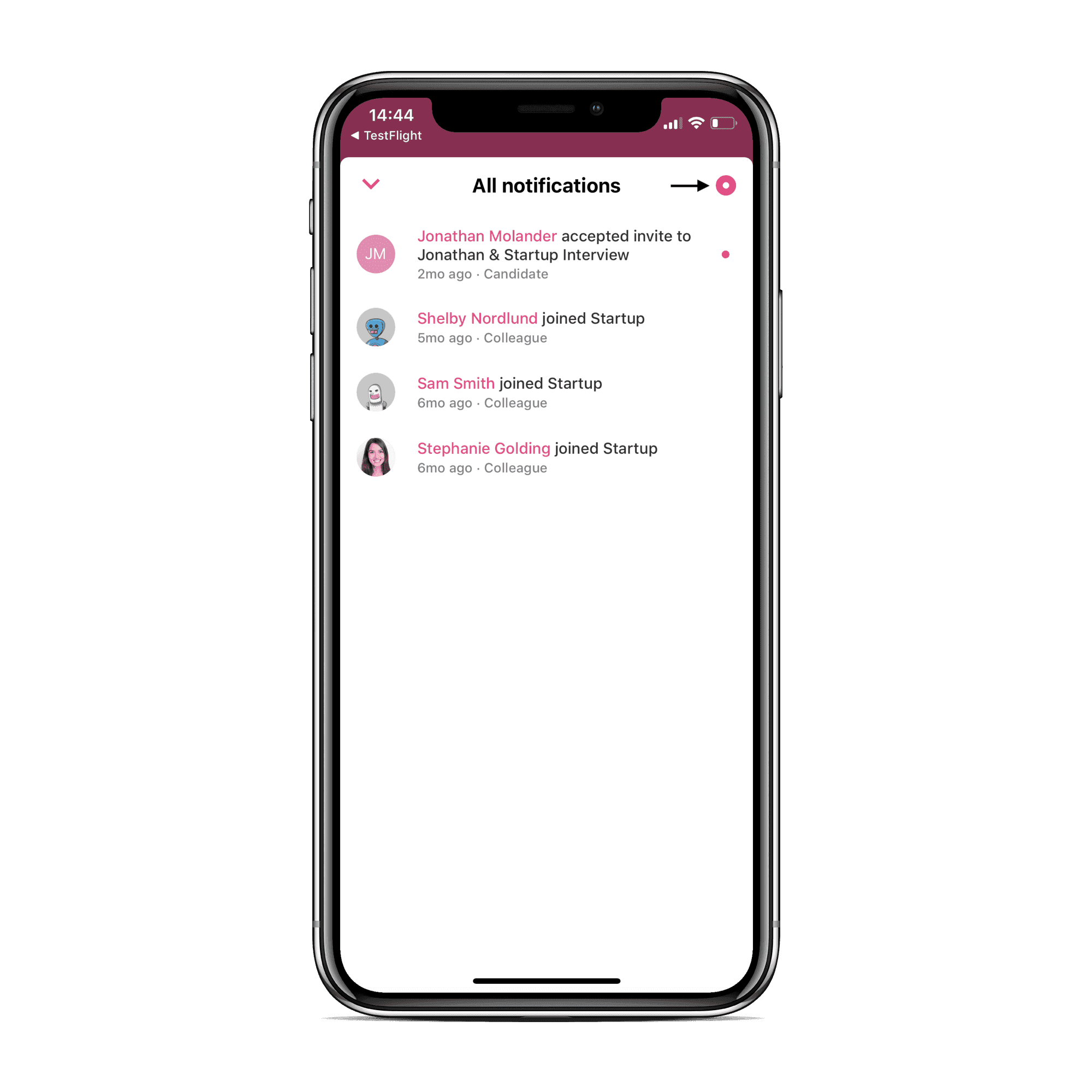
Click on said bell 🔔to view all of your notifications:

We’ve also added in-app notifications. So, when you’re working via your mobile app, you’ll receive an immediate notification that pops up at the top of your screen if an activity has just occurred.
Take a look here:
Emoji Reactions on notes
Another improvement we’ve added to mobile: emoji reactions. React to notes with the emoji of your choice.
Sometimes the big things lie in the details. All we have to say is: 🎉
Check out our update on viewing candidates and meetings on our mobile app here.
Let us know if you have any questions. And, of course, if you haven’t downloaded our mobile app, jump on the band wagon: Teamtailor on App Store or Teamtailor on Google Play.