

New: Pages for your locations
Candidates that are interested in working at a company might start by looking at locations, rather than departments. We've launched Location Pages, which means that you can customize your content to candidates in different places 🎉
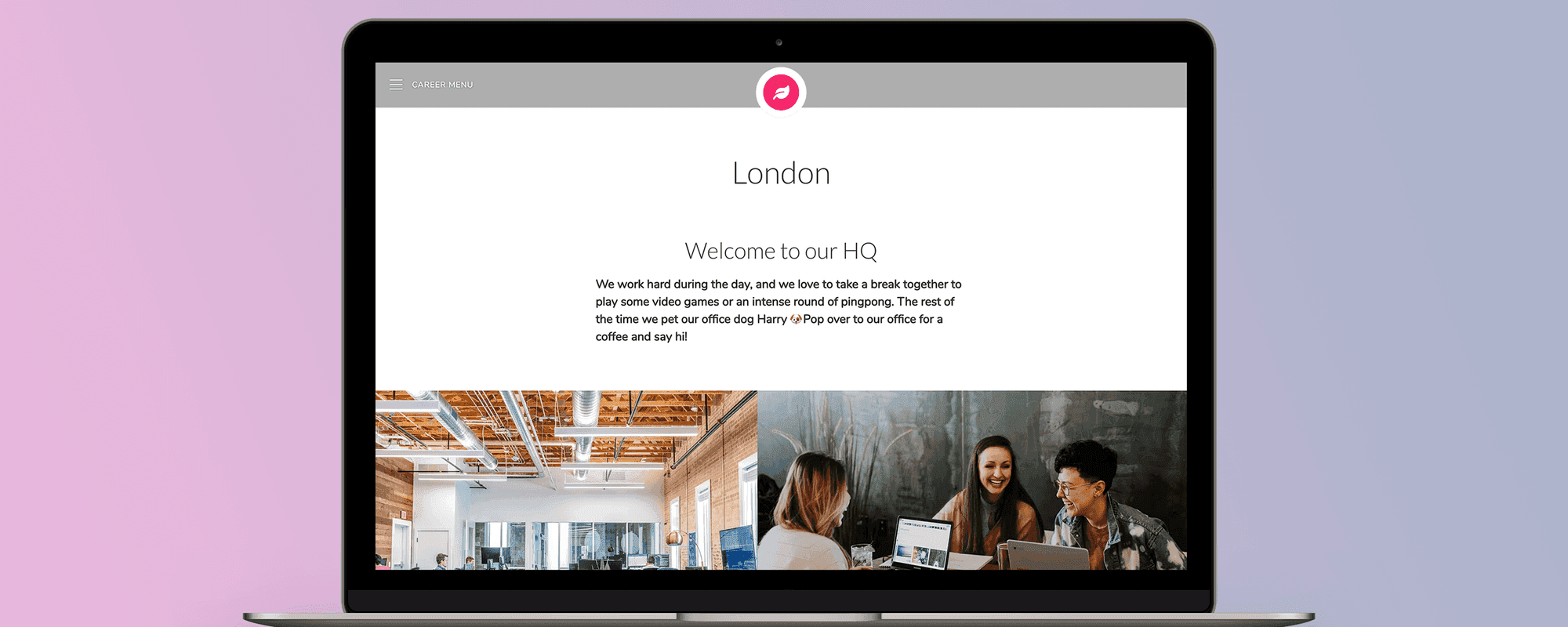
Companies that have offices in different locations might be able to offer candidates different things. Candidates that are interested in working at a company might start by looking at locations, rather than departments. We've launched Location Pages, which means that you can customize your content to candidates in different places 🎉
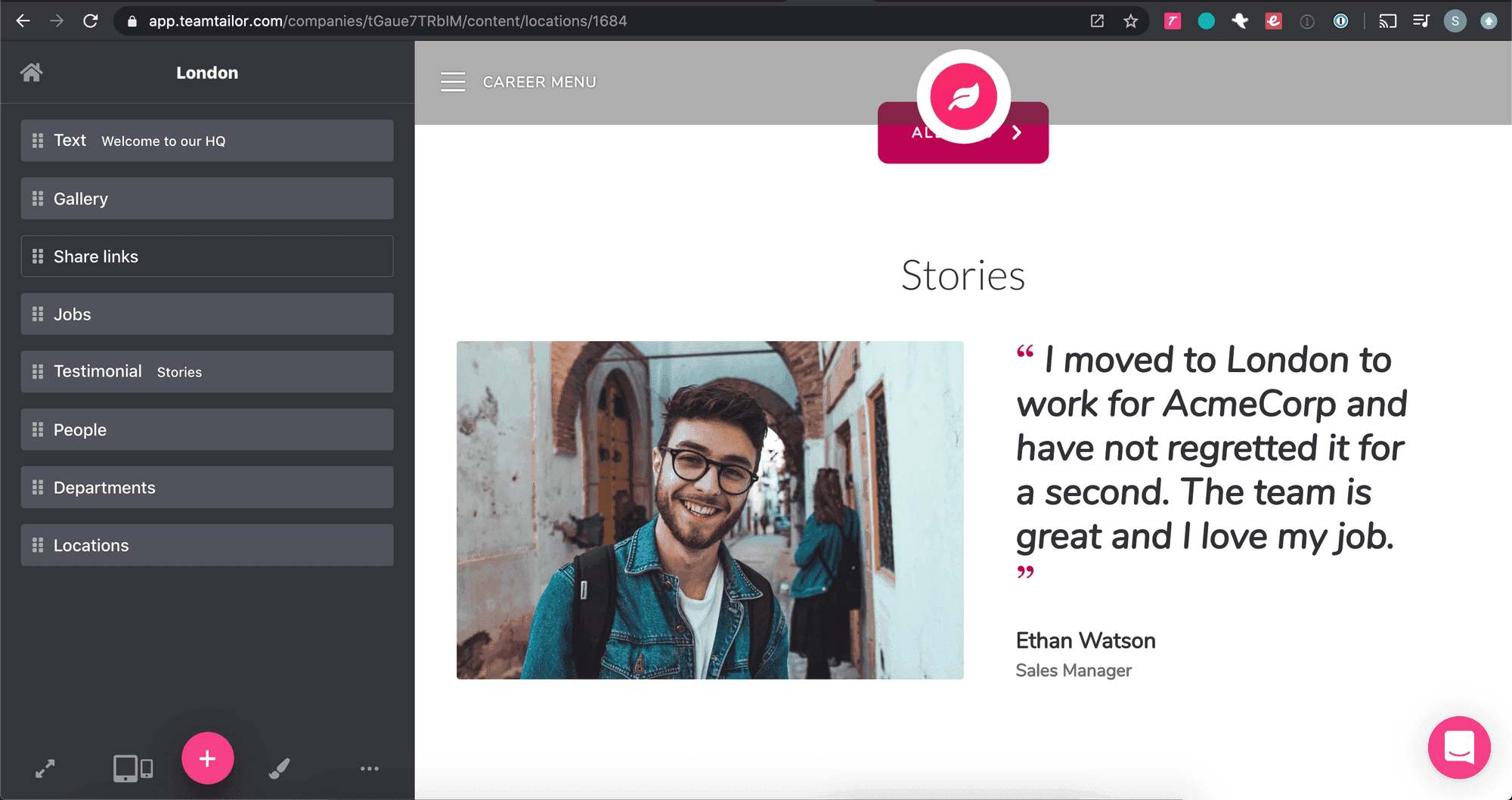
Does your team in London have specific benefits or a very cool office? Special activities or traditions? Market location specific things on your new page, and connect it to jobs that are available there.
Candidates will be able to see exactly what they could be getting at their new office. Add content blocks to your new location pages and make them look great.
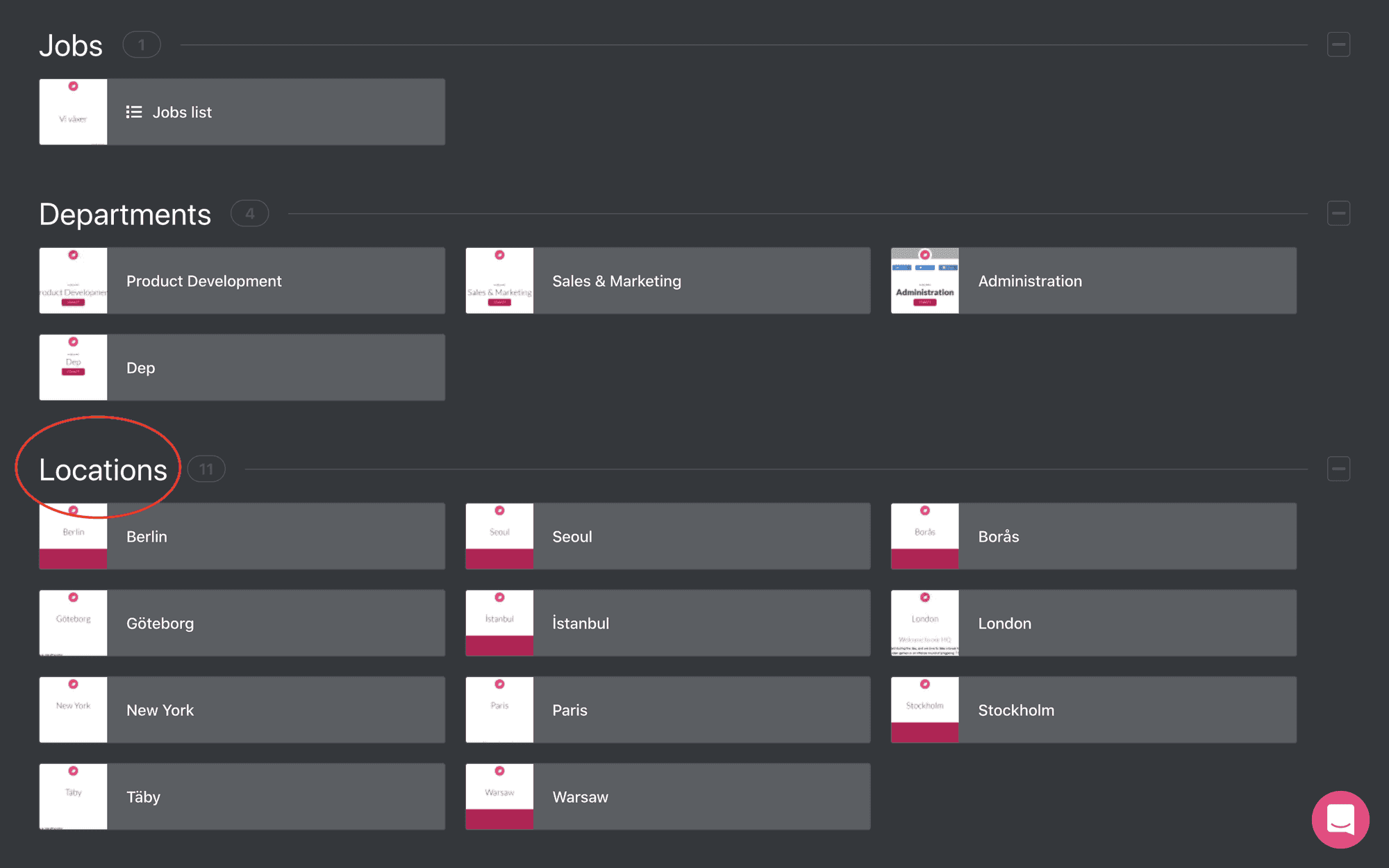
All accounts have gotten a brand new section on the Content page, with all pages for their Locations.
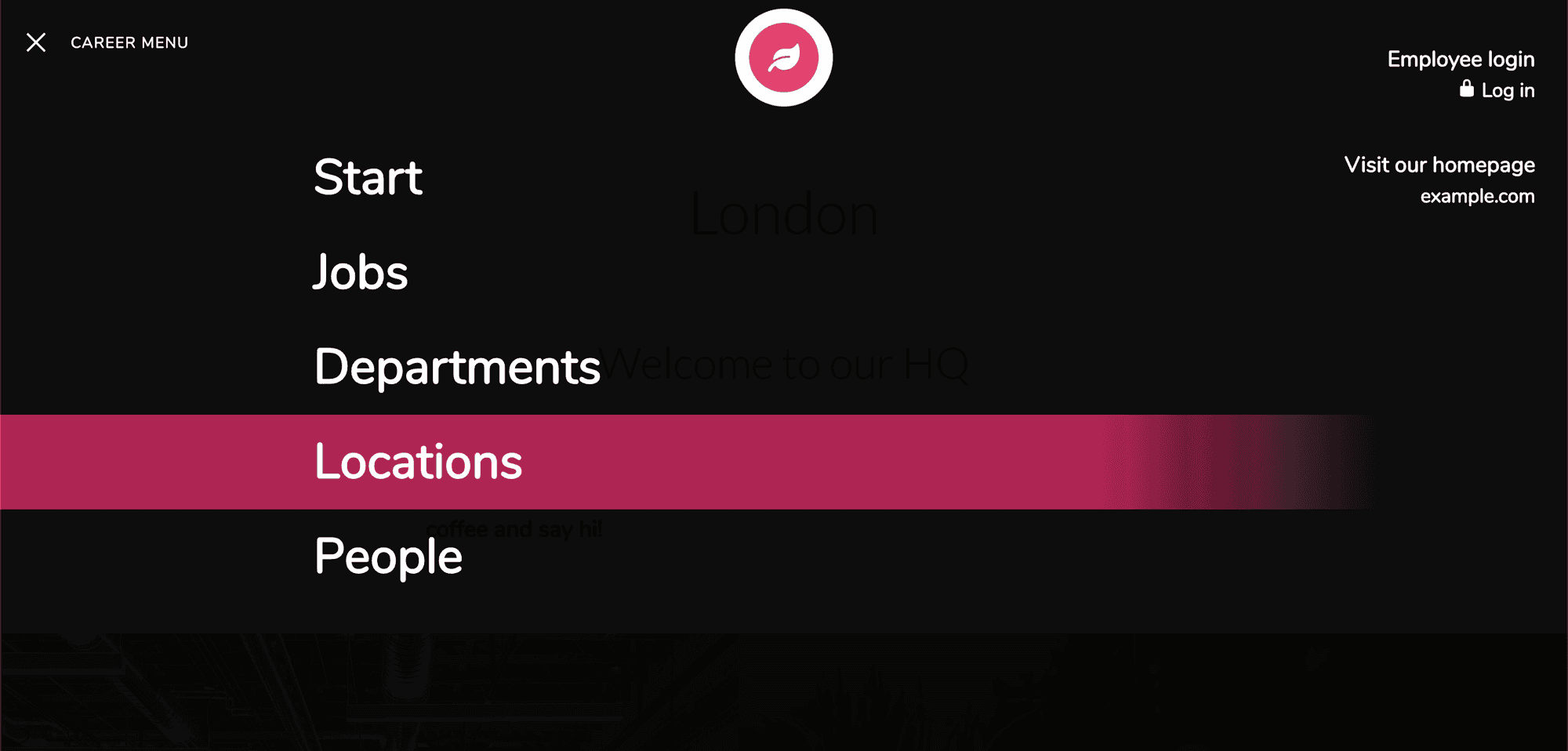
Your career site will also have the new "Locations" section visible in the career site menu. Note that if you have toggled off Locations from your career site, it will not be shown.
Good luck with your new pages, let us know if you have any feedback 🎈
Talk to you soon,
/The Teamtailor Product Team