


Set a Job Name that's only shown internally
Make collaboration easier by naming your job what it's called internally, and use a different job ad title for the candidates to see.
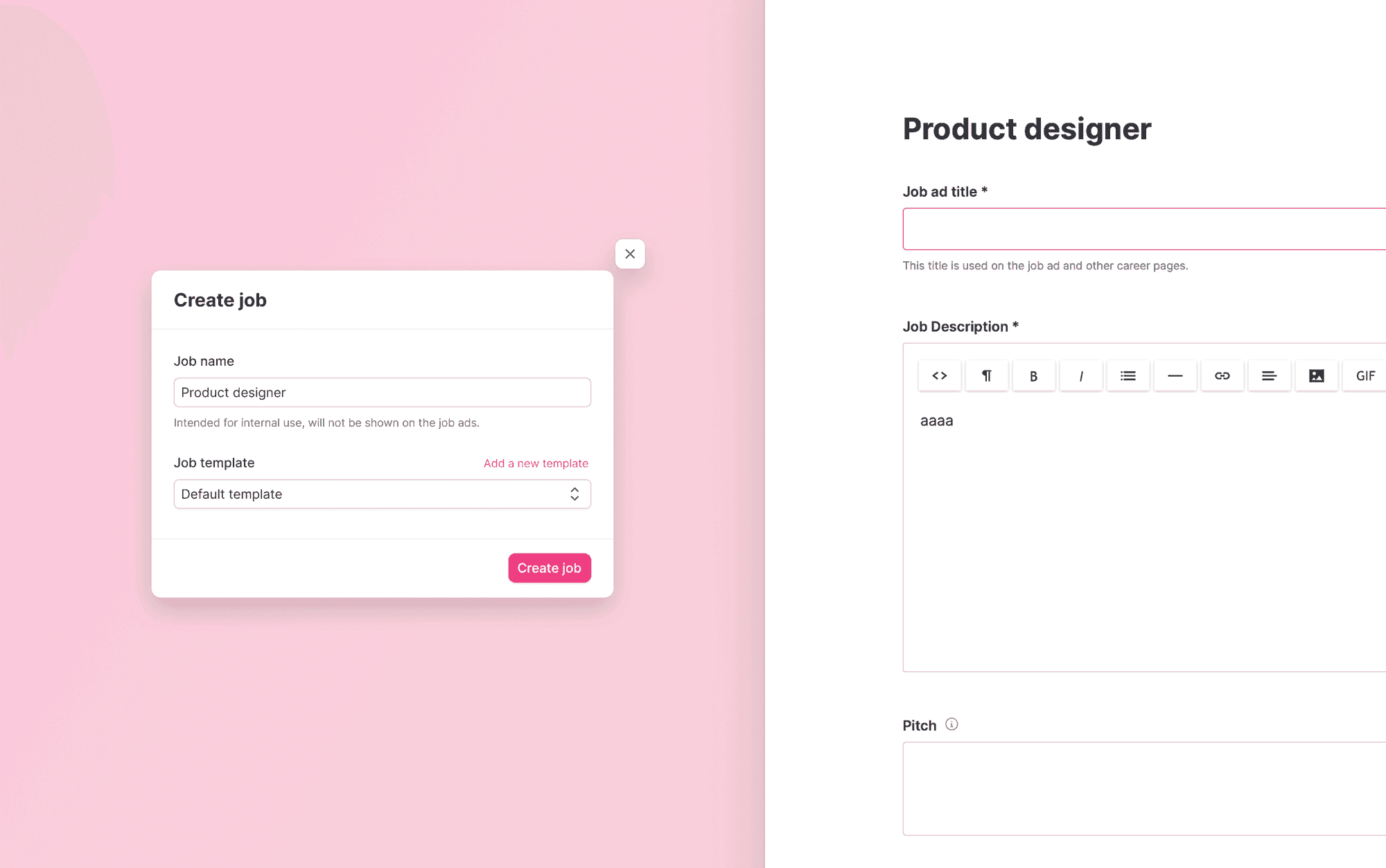
Sometimes jobs might be worded in a different way when posting the job ad, versus what the team knows it as. You can now add an optional internal name to your jobs that is different from the job ad titles the candidates see on our career site.

As you create the job, you'll see the option to add a name for your job. Then you select between using the default template, or a specific template. This will create your job and you can get started.
The Job name will be used everywhere in Teamtailor; analytics as well as user notifications. If there is no job name given, we will show the job ad title instead.
At the top of the job edit page, you can also add or change the job name. This is also where you specify what the Job ad title will be, and that's the one that's visible for all candidates.


We hope this makes collaboration easier for you and your team. Talk to you soon!
❤️/ The Product Team