

Show your online or away status
Show your colleagues when you are online or away with a custom status.
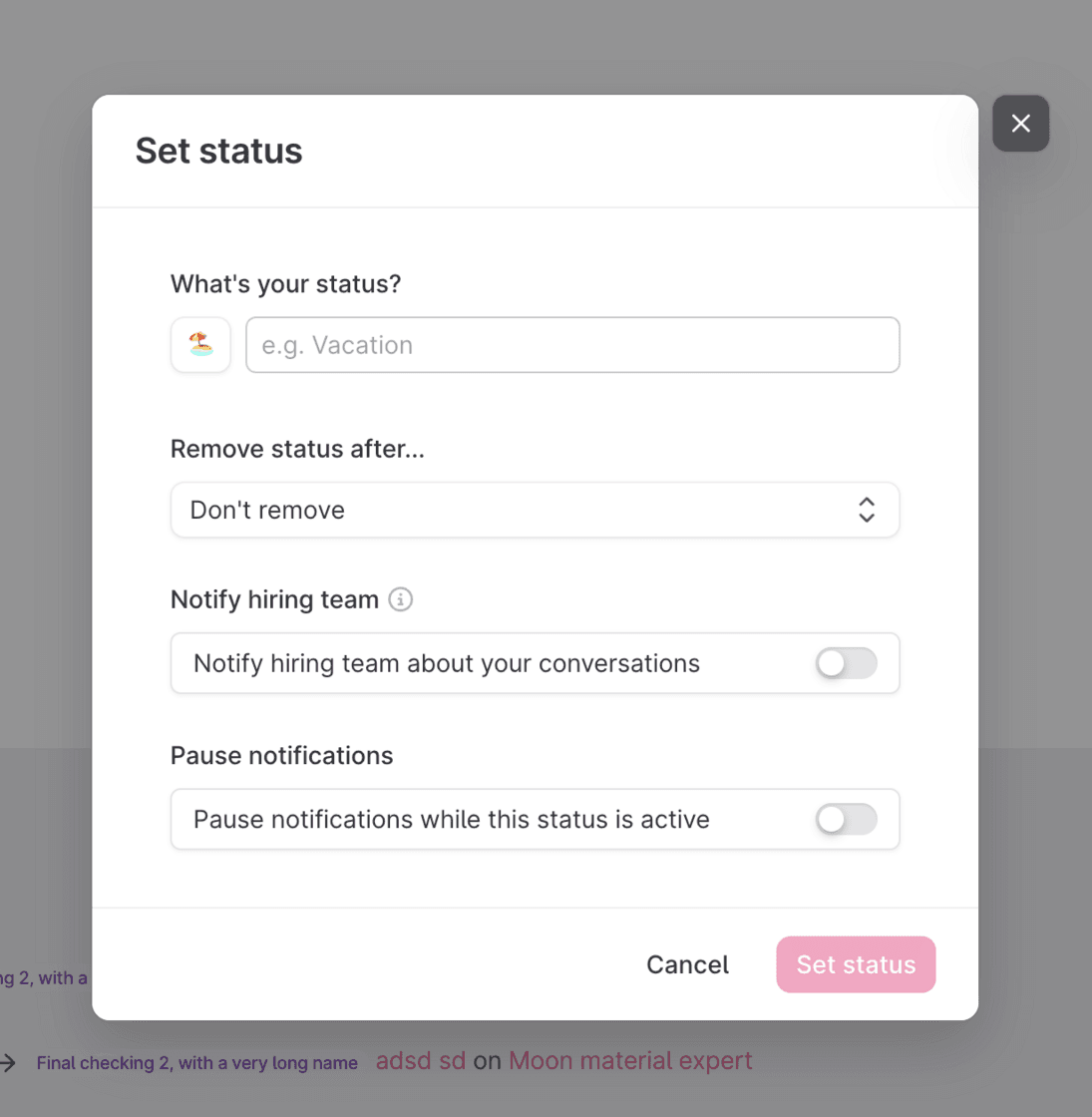
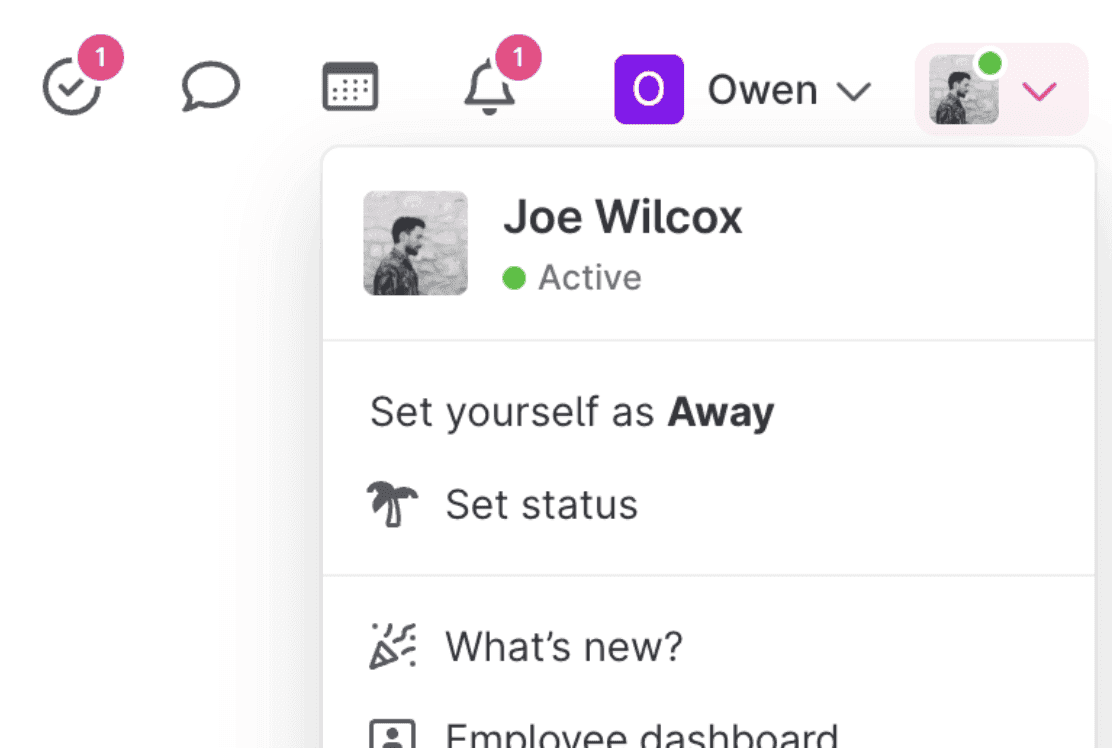
Our latest updates shows if you and your colleagues are online in Teamtailor with a green dot on the user profile picture. We have also added the possibility to add a user status to let your colleagues know that you are taking a break or have left for vacation.
Show you're away with a custom status
Let your colleagues know your current status with messages like "On vacation" or "Childcare". You can also pause notifications and notify other members of your hiring team when you receive a message from a candidate. This ensures your candidates still get replies and has a smooth experience while you're away. Win-win!
See who's online
When you are active in the Teamtailor app, a small green dot will appear beside your avatar to let your colleagues know you're online. This makes it easy to collaborate and work together as a team. If you prefer not to show as online, you can click "Set yourself as away".