

Features
Update: Make your career site pop with new colors
Channel your inner Picasso and upgrade your career site. Choose any color you want for your career site, the options to combine colors are endless.
Suzan Dil
1, 2, 3, color! 🎨
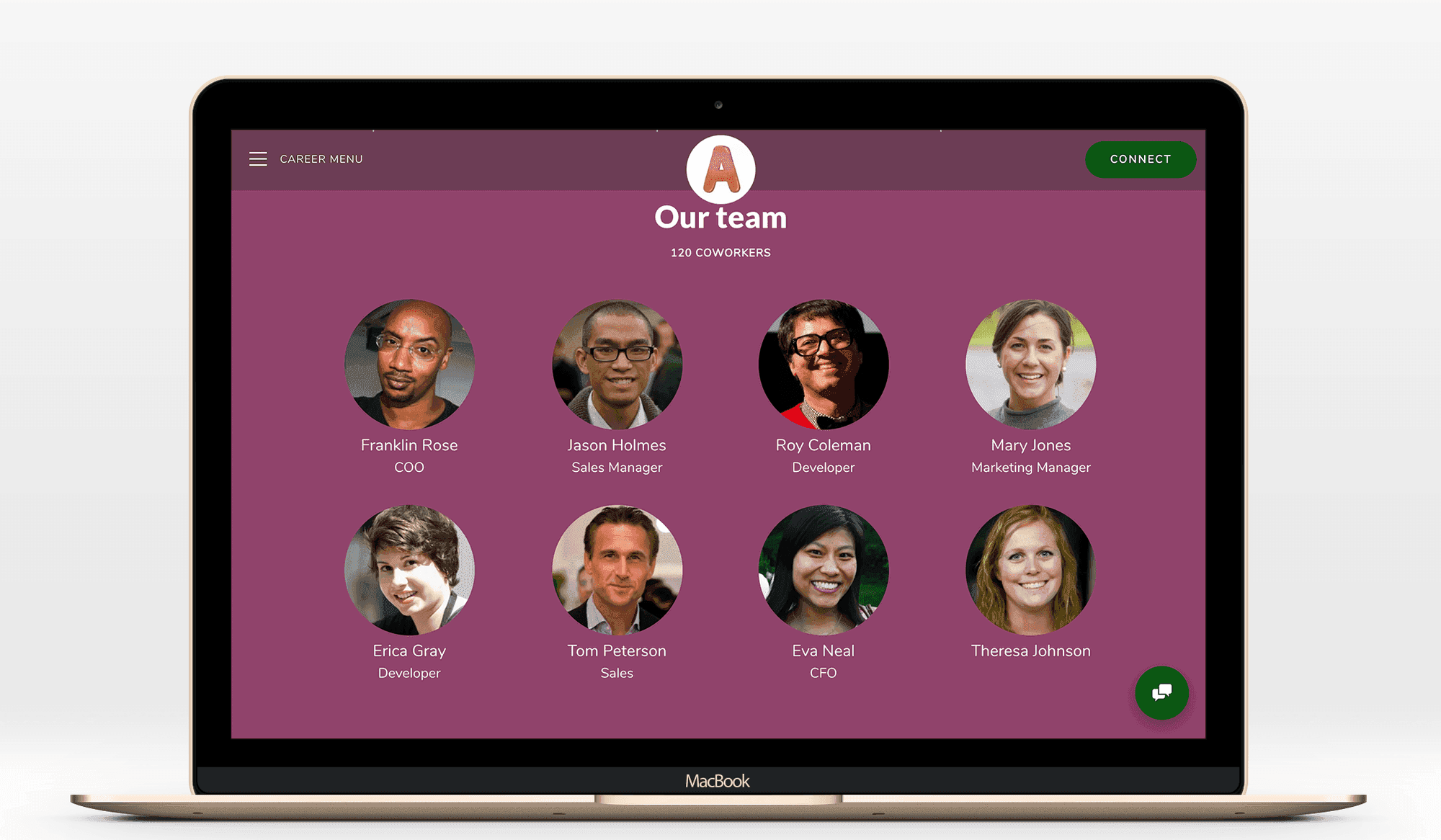
Channel your inner Picasso and upgrade your career site with new colors. Choose any color you want for your career site, the options to combine colors are endless.
Click Global design (the brush) and Extra color options, to choose the colors you want.
Make sure your text is visible and readable when you've changed the colors. Also have in mind that your Call-to-actions should be in a color that pops, to make sure that more people click it. Do you want advice on which colors to choose? Just write to us in our chat! 👋