


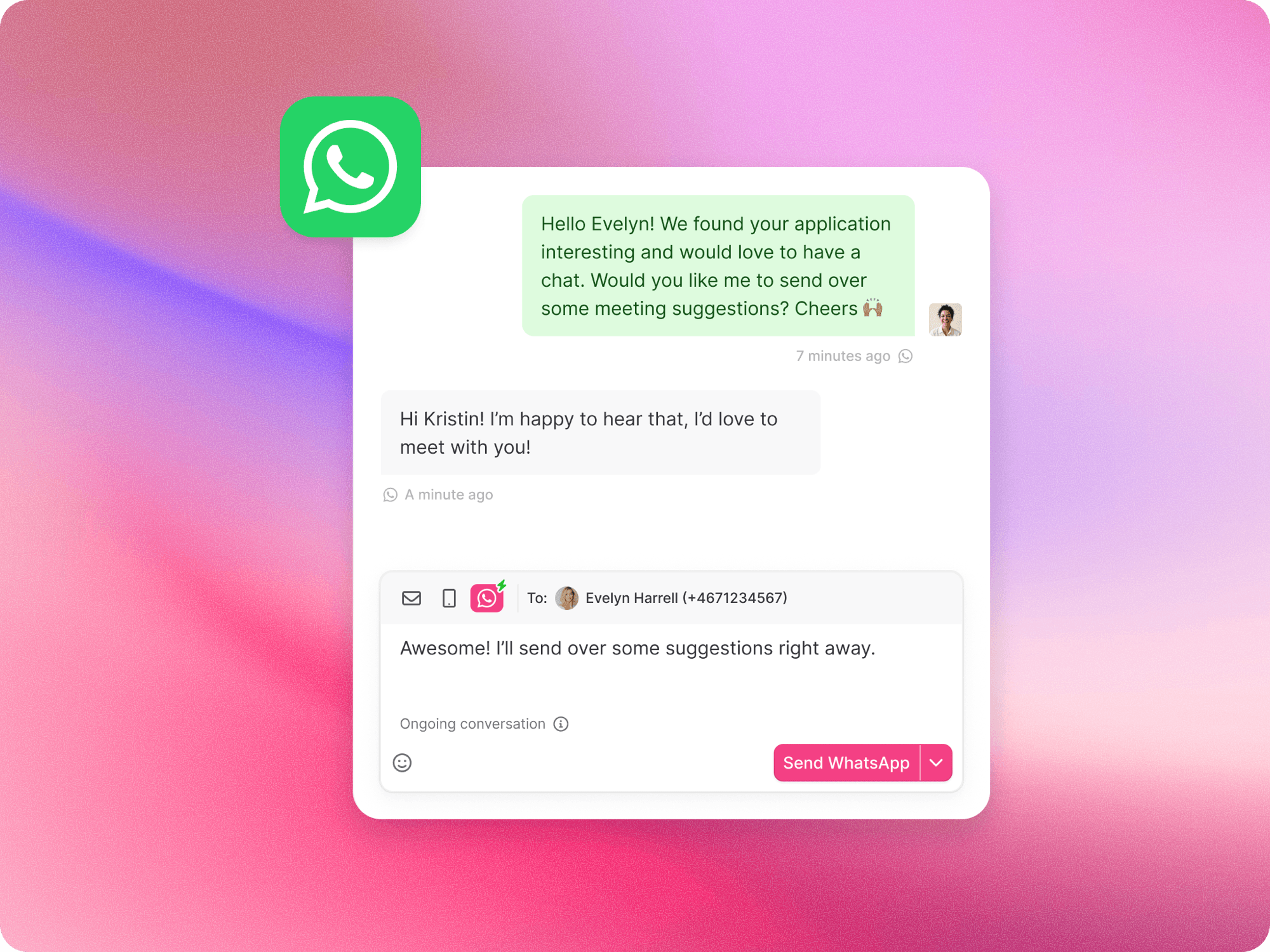
You can now chat with candidates over WhatsApp without ever leaving Teamtailor. You manage everything from one place, and candidates simply receive your messages in WhatsApp like any other chat, without having to download another app. Connect your WhatsApp Business Account and every thread sits alongside your email and SMS, with the full conversation history kept together in one place.
Everything in one inbox
WhatsApp threads appear under Messages, right next to your email and SMS, so you have the full picture of every candidate interaction in one view. Candidates can also reach out to you first, and if a message comes from someone who isn't a candidate yet, Teamtailor creates a Lead so your team can pick up the conversation.
A few ways to reach candidates
You can use WhatsApp in whichever way suits the moment:
- One-off messages for a quick, personal note, started from a candidate's phone number or the Messages tab
- Bulk sends to message a group at once, from a job process or the Candidates tab
- Triggers to send a WhatsApp message automatically as candidates move through a stage you choose
Messages can also include images, videos, and documents, which appear as attachments inside Teamtailor.
Consent built in
WhatsApp asks businesses to collect consent before reaching out, and that's handled within Teamtailor. Candidates can opt in when they apply, through their Connect profile, or via an email request for sourced candidates. If a candidate hasn't opted in or doesn't respond, the message falls back to email so it still reaches them.
Get started
Company admins can switch on the WhatsApp add-on in the Add-on feature center, then connect a number, either one from your existing SMS setup or your own. Once that's done, you're ready to start a conversation. For the full step-by-step, head to our support documentation.
We hope this helps you stay close to your candidates, right where you already work. 🙌
❤️ / The Product Team