


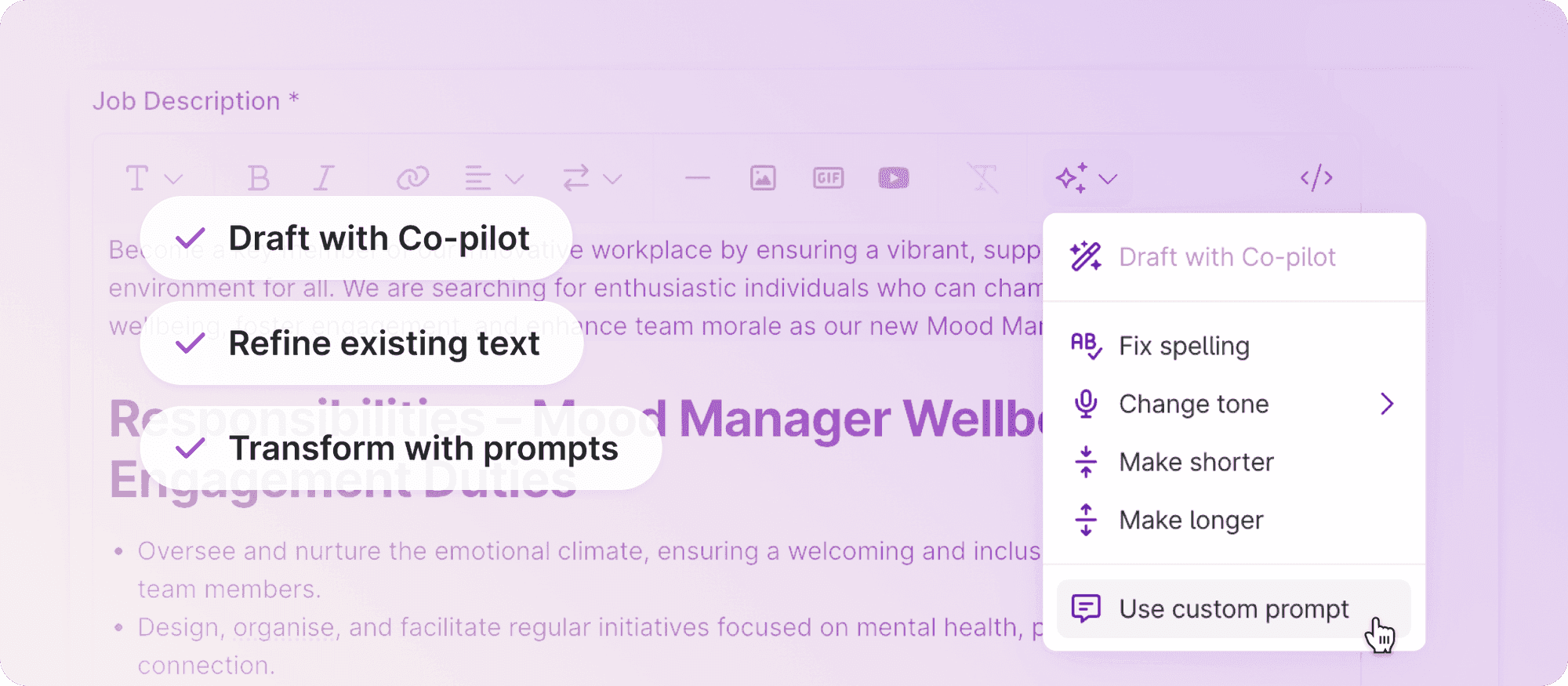
Use Co-pilot to select, edit, and transform text directly in the Job Editor, with built-in actions and custom prompts to get your job ads exactly as you want them.
Writing a great job description is a creative process. It takes refinement, iteration, and often a few different angles before it feels just right. That's why we've given Co-pilot a major upgrade in the Job Editor, making it an even more powerful writing partner.
Select and refine
Co-pilot can help you draft a job description from scratch, and now it can also help you shape and polish any text directly in the editor. Select any piece of text and apply built-in editing actions on the spot. Fix spelling, adjust the length, or shift the tone, all without leaving the editor.
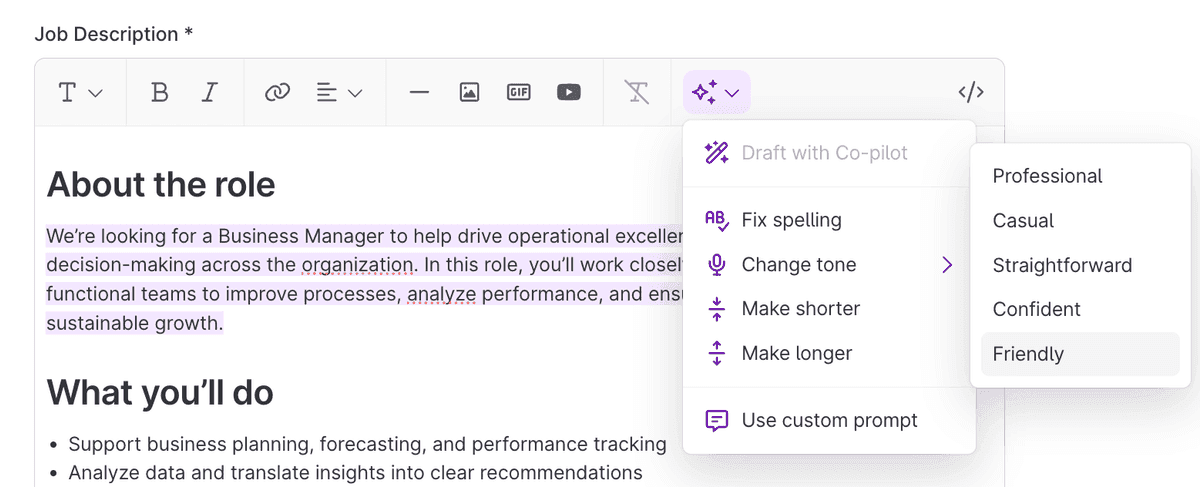
Custom prompts: tell Co-pilot exactly what you want
You can now type your own instruction and let Co-pilot do the rest. Want to make a paragraph more inclusive? Need to simplify the language for a broader audience? Just tell Co-pilot what you need.
Some examples of what you can ask:
- "Make this more engaging for early-career candidates"
- "Translate this to French"
- "Simplify the language"
- "Make this sound more inclusive"
- "Make it shorter and punchier"
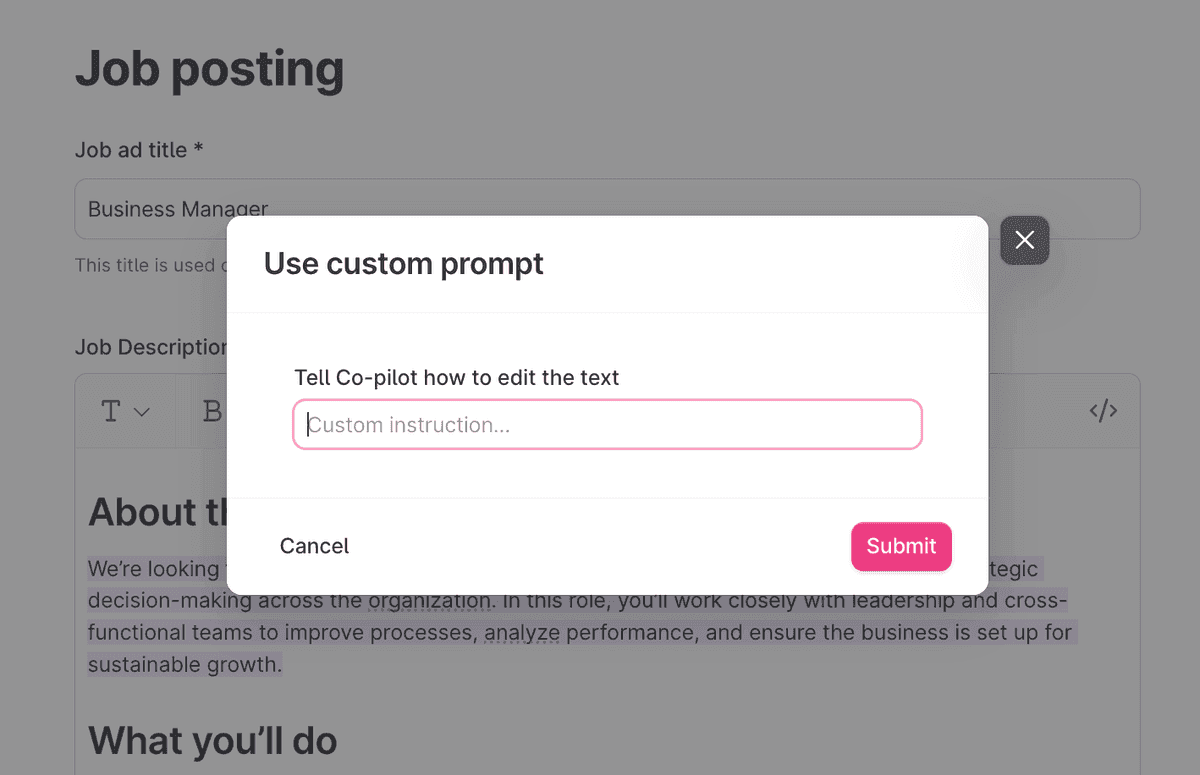
Part of the flow
Co-pilot is designed to feel like a natural part of how you write. You can now improve existing text, iterate quickly, and get to a polished result with less effort, right where the work is happening.
Get started
Co-pilot is already included in your Teamtailor account. A company admin can activate Co-pilot in the Add-on features section. Check out our support article for more information on how to get started.
We hope this makes your writing process a little faster and a lot more flexible. 🙌
❤️ / The Product Team