


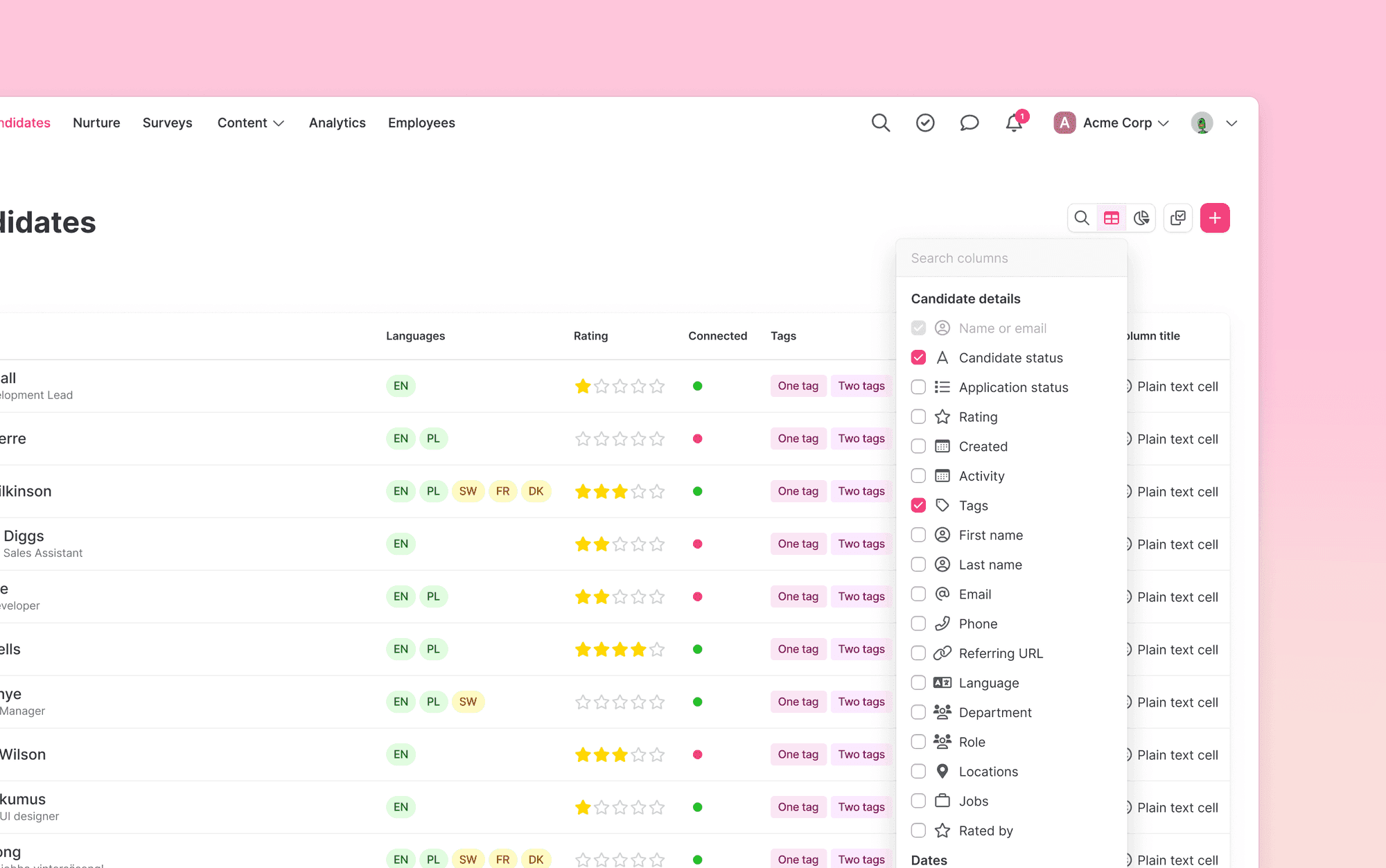
Browsing through your candidates will be a breeze with this new feature. Select between lots of different parameters to create the view you want. Show columns you want to see right away, and hide those that might not be as important for you.
Choose between columns like candidate details, dates or specific questions among others to create the view you want. Show those you want to see right away, and hide those that might not be as important for you. These columns are saved per user, which means that every user can create and use their own preferred setup.
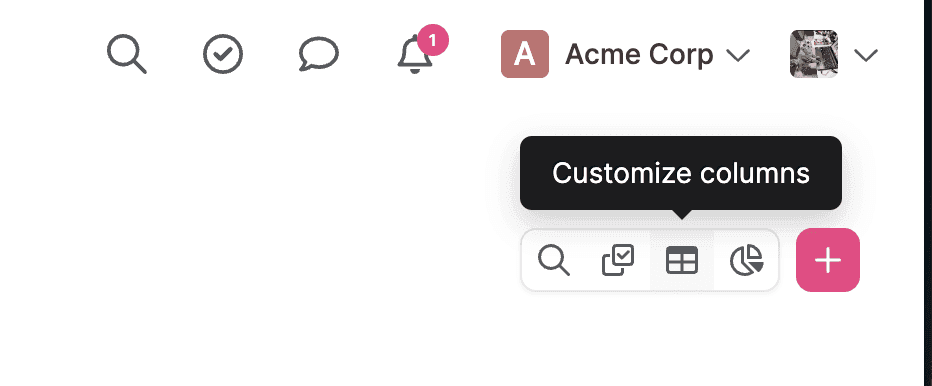
Click on the icon on the top right corner to start customizing your columns.
We hope you like this one!
With ❤️ from the Product team.