


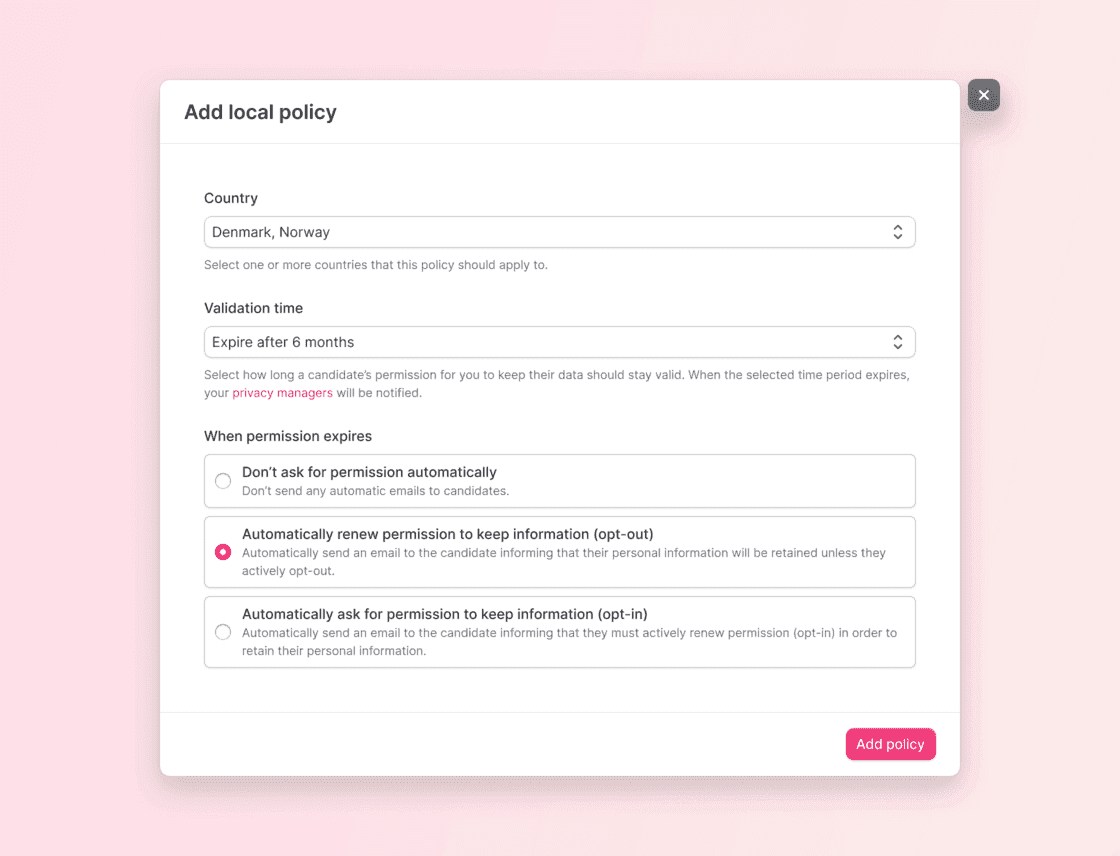
Adjust your policies and apply different settings for candidates based on the country they are in. This ensures that your candidates have a better experience, tailored for them.
Make sure that the incoming applications and candidate profiles you get are treated according to the correct policies. Add several compliance rules and make it easy for everyone to follow.
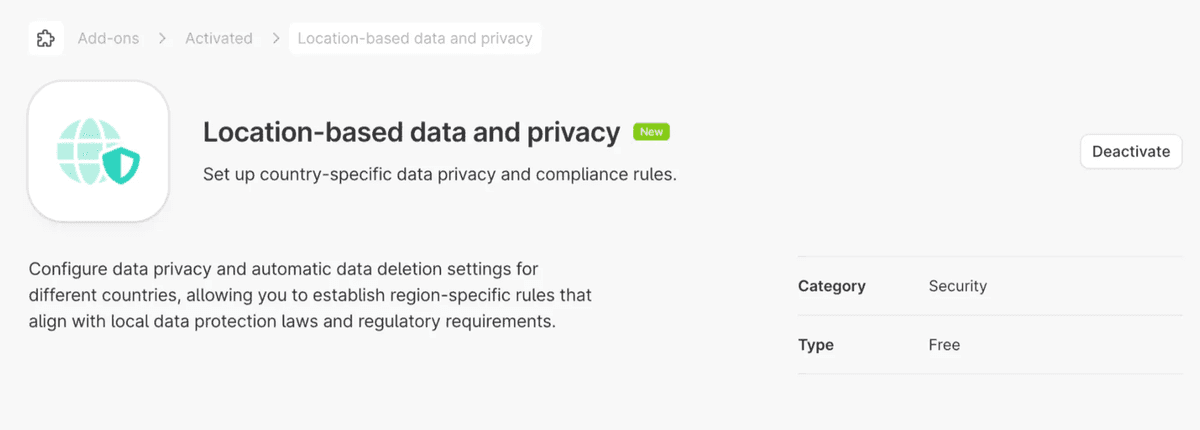
This new add-on can be found under Security, and it needs to be activated by a Company Admin. After activating the feature, go to the Company settings to Manage Permissions and Automatic data deletion. This is great for multi-national companies that want to comply to regulations in different regions.
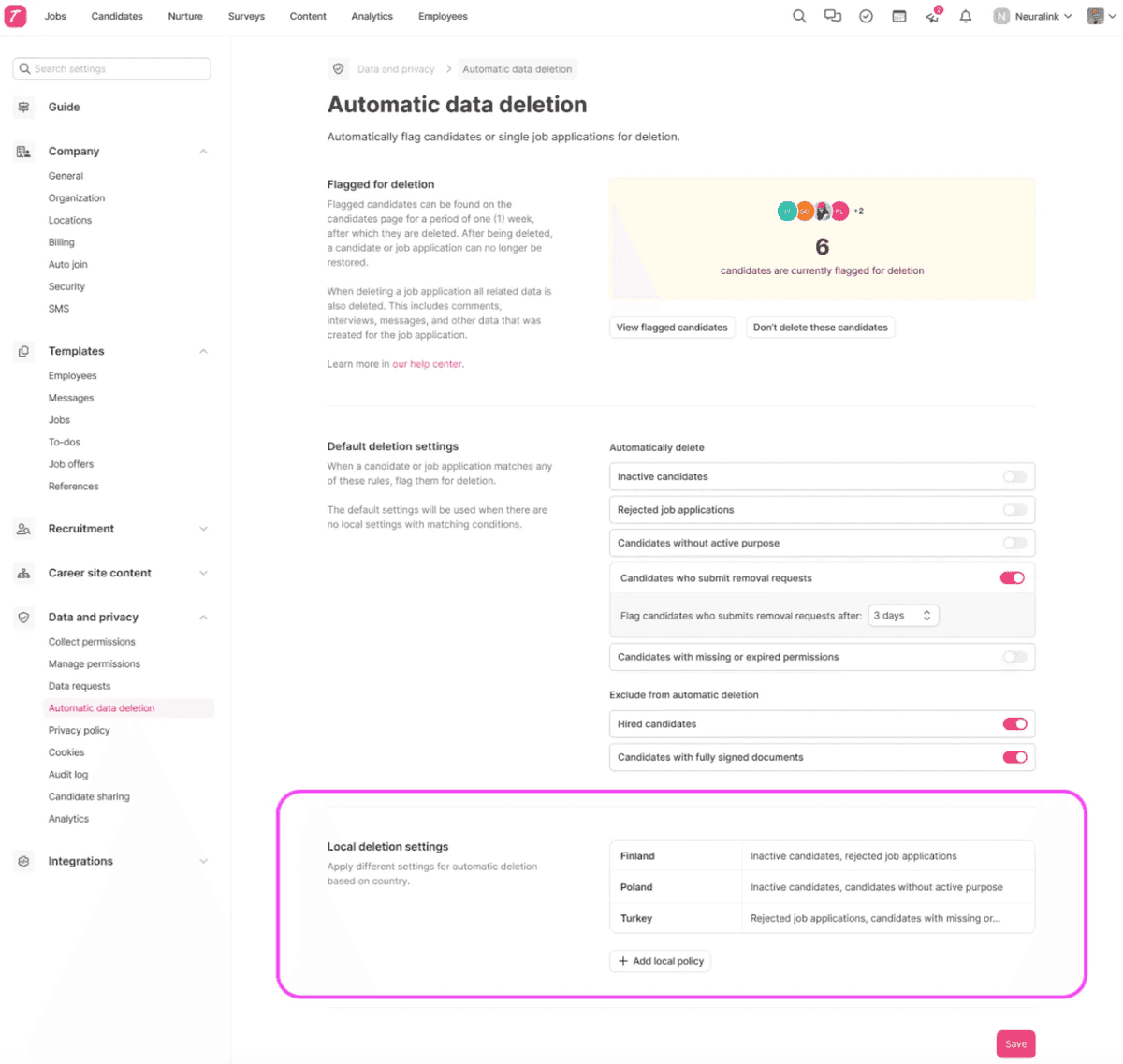
Local deletion settings
Teamtailor’s feature for automatic deletion based on different parameters also works with these new local settings. Set your rules for how the automatic data deletion should work for candidates in different locations.
Read more in our support article. We hope you and your candidates will like this update.
❤️ / The Product Team