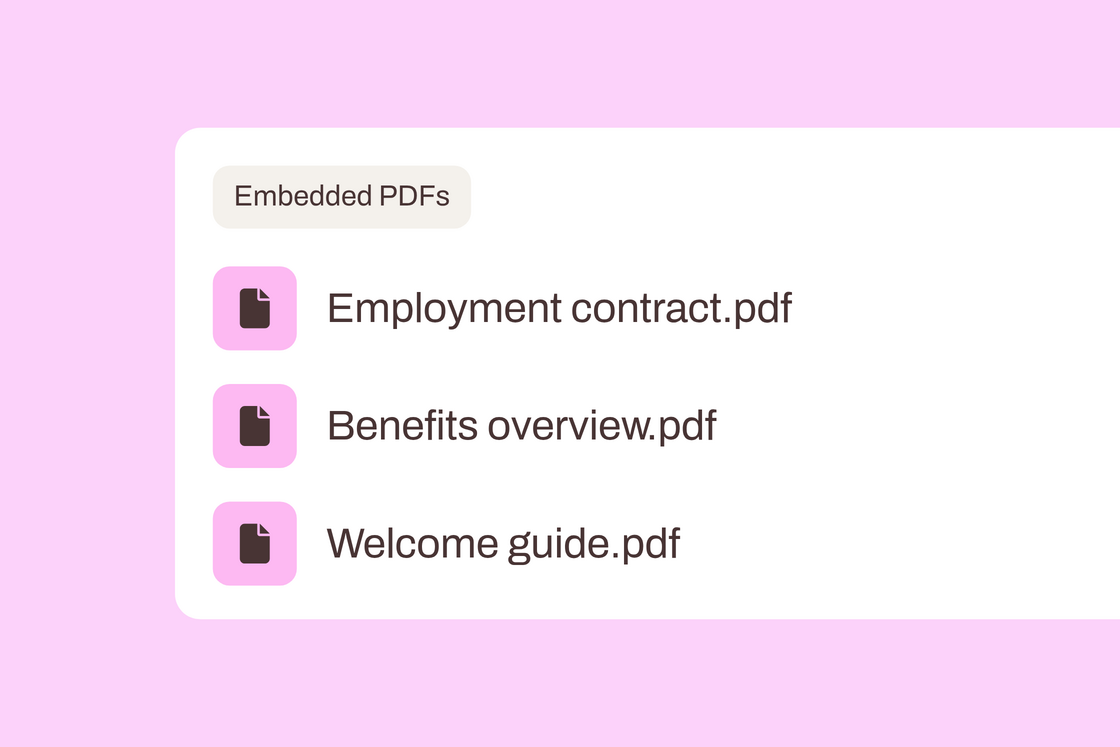


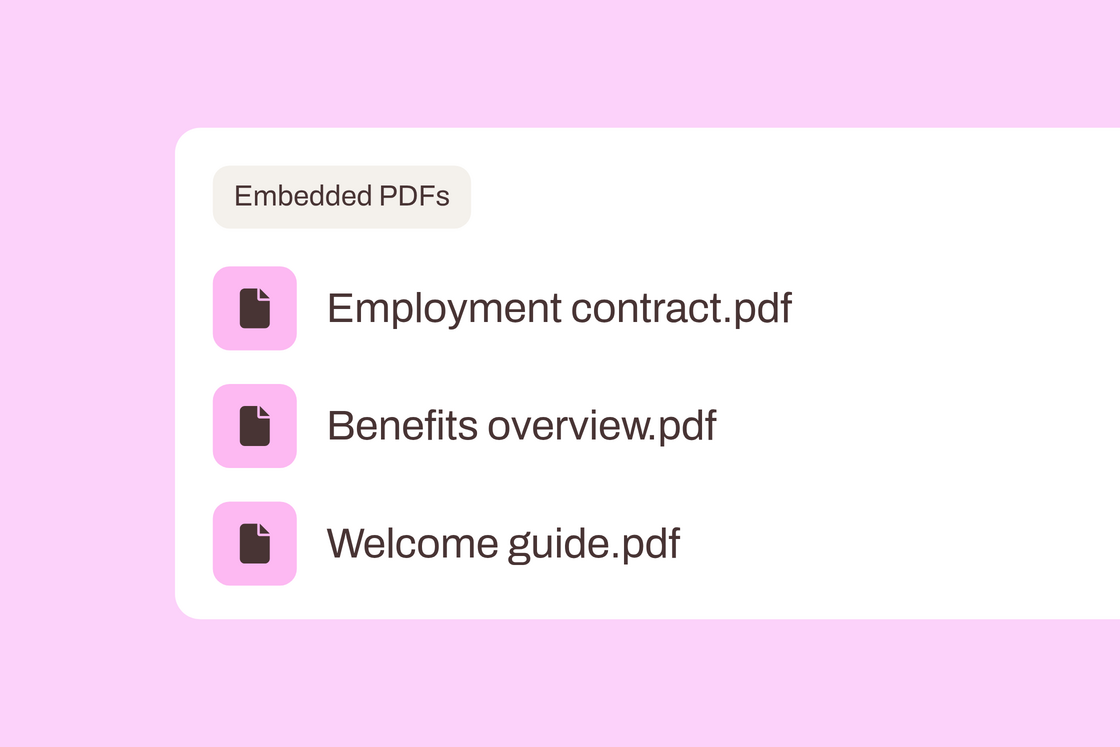
Send the same contract or benefits overview with every job offer? Add it to your job offer template once, and every offer made from that template includes it.
Add PDFs once. Upload PDFs to a template's new Embedded PDFs section and drag them into the order you want.
Every offer gets them. When you pick the template on a job offer, its PDFs go into the offer’s PDF, right after any documents you’ve already added. Candidates get everything in one place.
Adjust when needed. Remove or reorder PDFs on a single offer without changing the template.
Get started in Settings → Templates → Job offers. 📄 Available with the Job offers add-on, which a Company Admin can turn on in the Add-on feature center.