

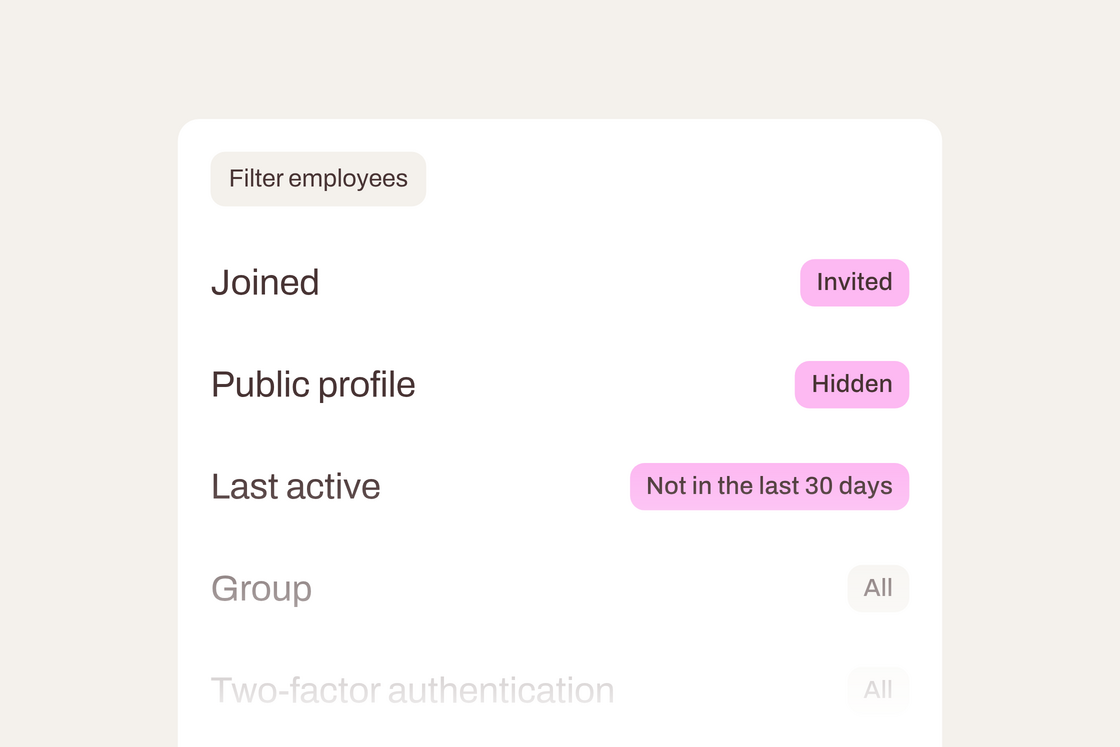
Cleaning up your user list used to mean opening employees one by one. Now you can find the right people with a few filters and update them all at once. 🧹
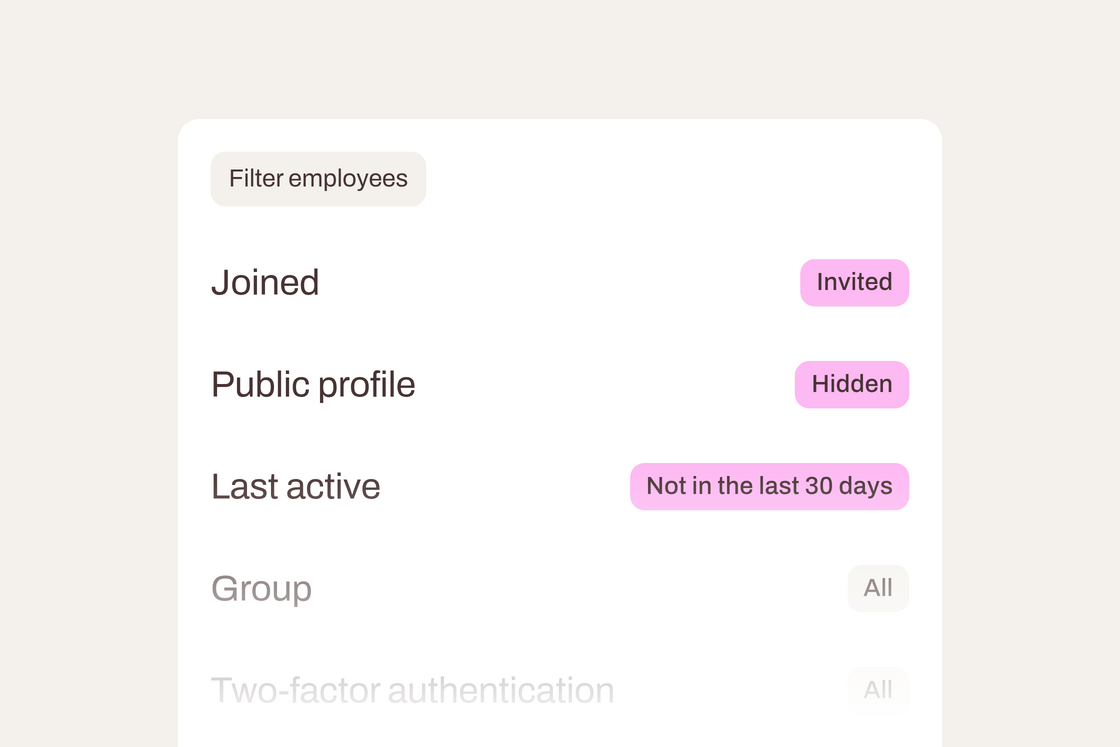
Find who you're looking for. New filters show who has joined, who is invited and who was never invited, whose profile is public on your career site, who has been active in the last 30 days, and who is in a group.
Update many employees at once. Select employees, or everyone that matches your filters, and make their career site profiles visible or hidden, or send invitations to everyone who hasn't joined yet.
Delete with confidence. When you delete many employees at once, we check everyone you've selected and ask who should take over their jobs and other responsibilities before anything is removed.
Head to Settings → Users → Employees and open Filters to try it. A tidier user list in a few clicks. ✨