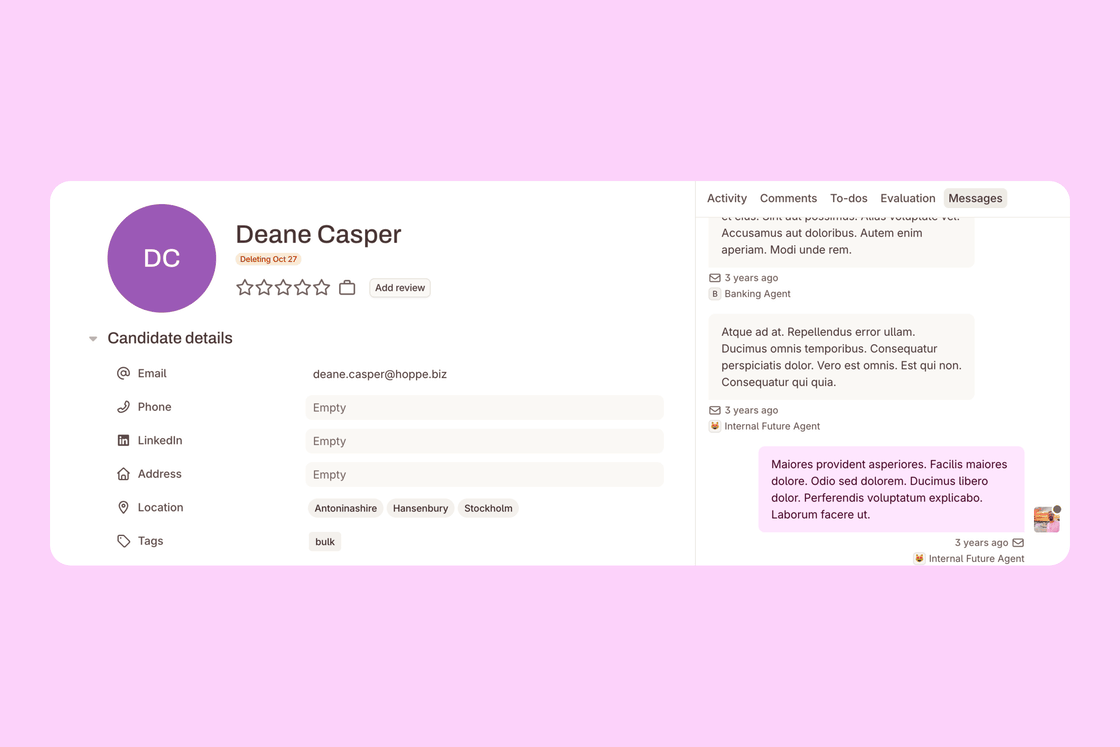


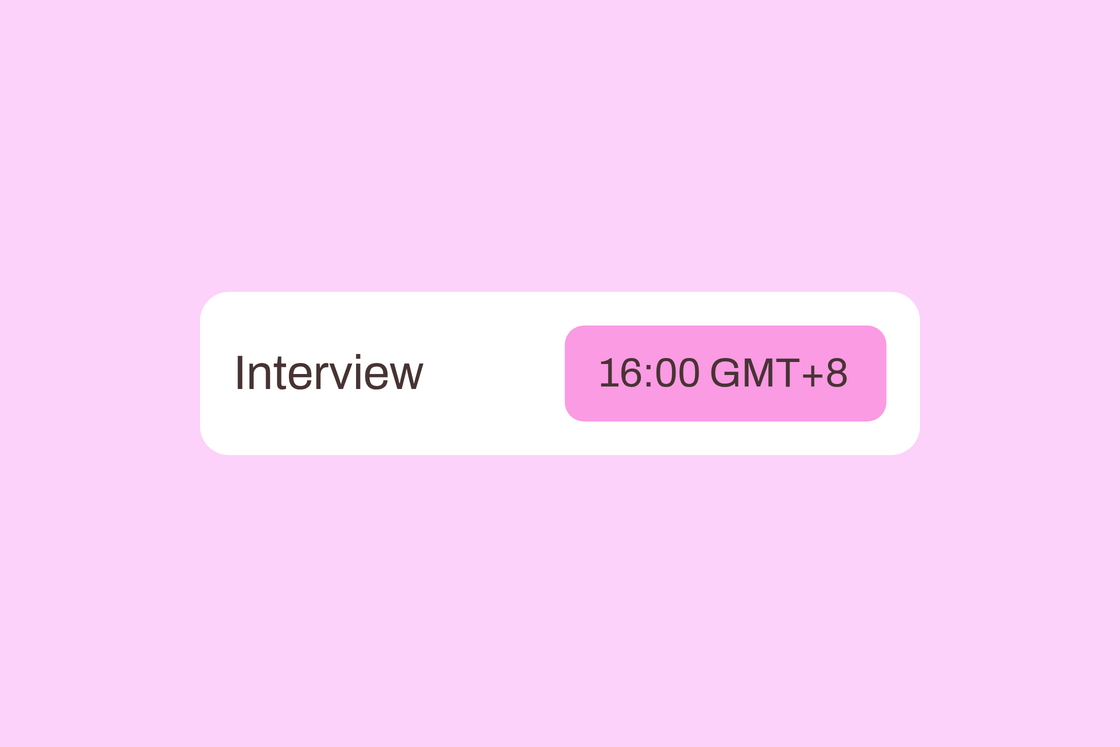
Working with colleagues or candidates in other time zones? Times in Teamtailor now show in the time zone of whoever is reading them.
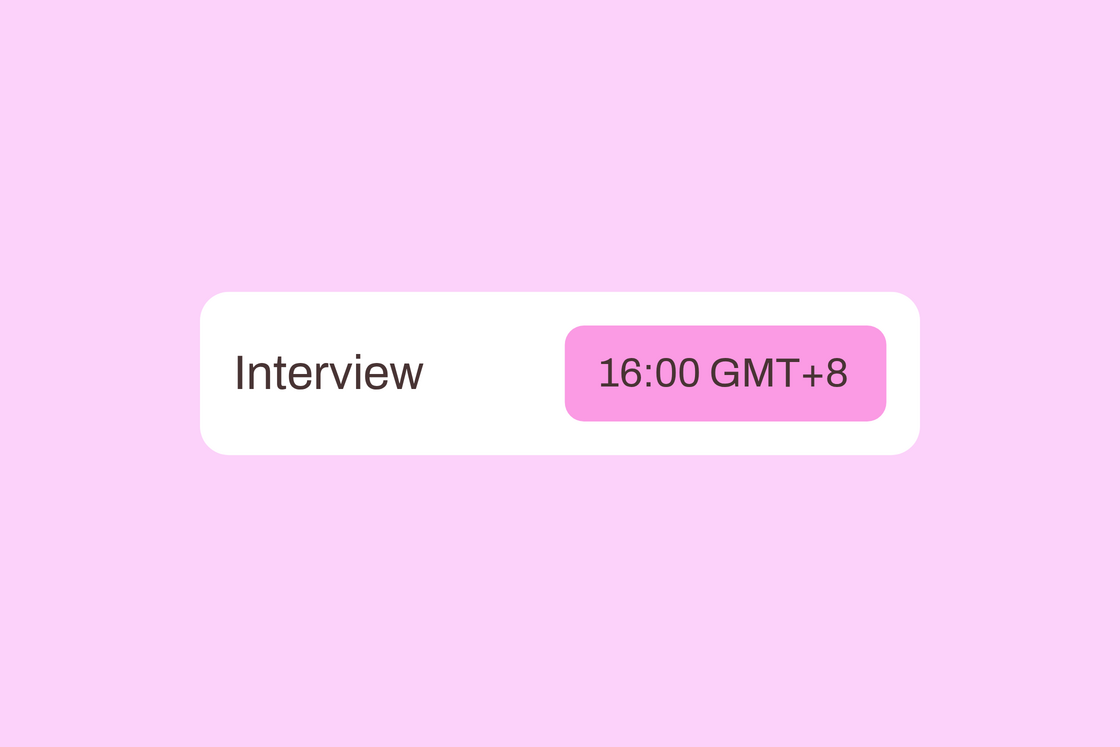
Emails in your time zone. Notifications, meeting invites and your daily planner show times in your own time zone. When a meeting was set up in a different time zone, you see that time too, so everyone knows when to join.
Candidates see their own time. When a candidate picks a time slot, their confirmation, reminders and any cancellation show the time in the time zone they booked in.
Set one time zone for your meetings. Find it in My account → Meetings → Meeting defaults. It’s used for new meetings and your working hours, and the job calendar now shows its time zone too.
Fewer time zone mix-ups, wherever your team works. ✨