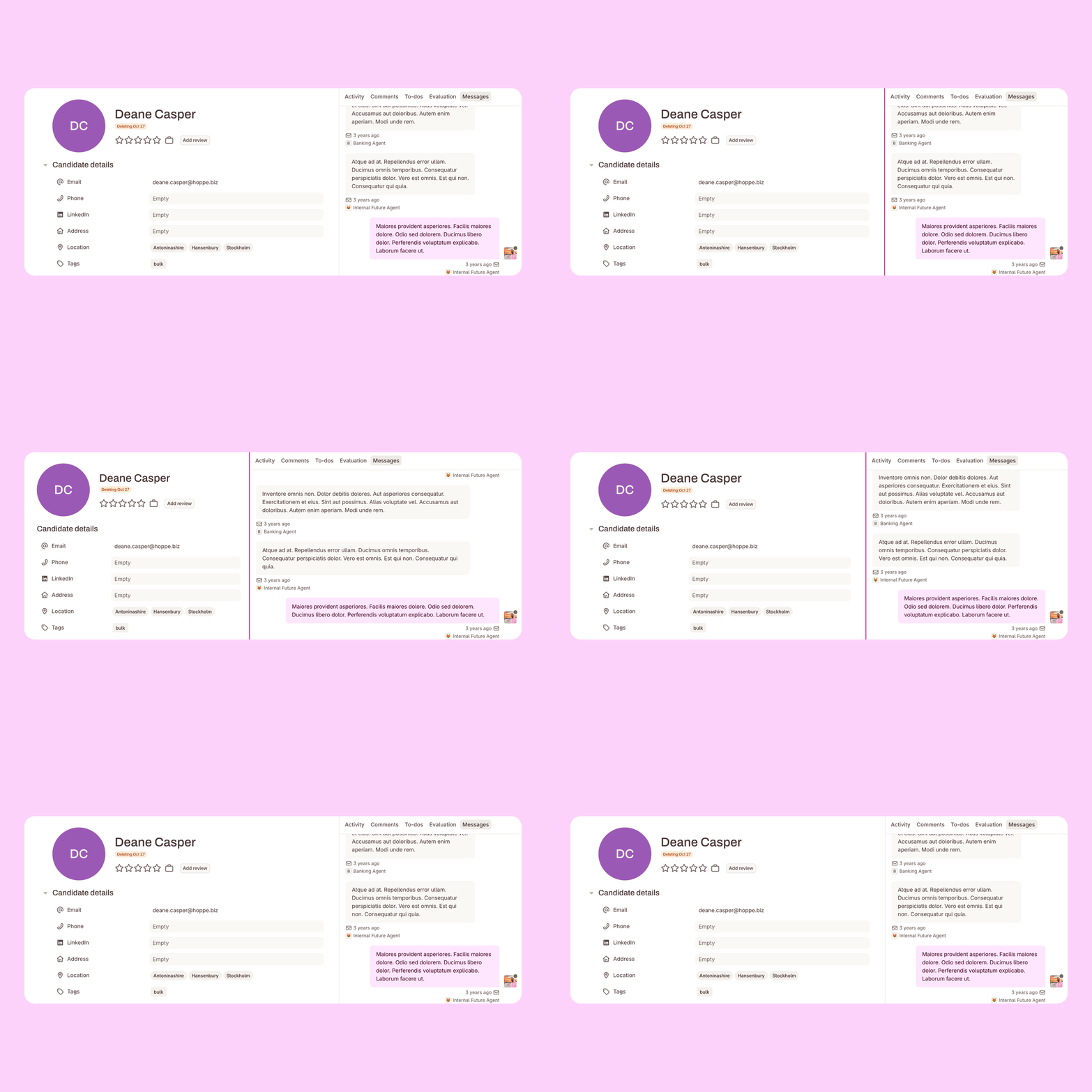


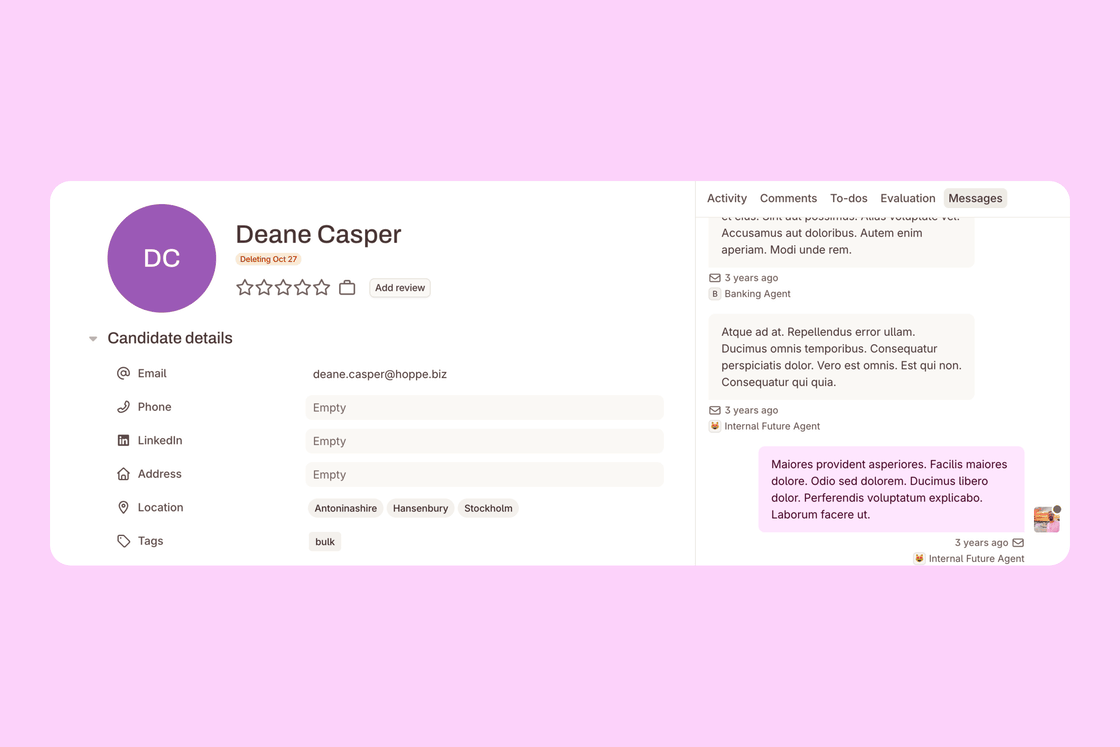
Spend most of your day in Messages or Comments? You can now make the sidebar on the candidate card as wide as you need. ✨
Drag the border. Hover over the line between the candidate profile and the sidebar, then drag it left or right. Both sides adjust as you go, and neither gets too narrow to read.
Your width sticks. The sidebar keeps its width as you move between candidates, and when you come back later in the same browser.
Back to the default in a click. Double-click the border to return to the standard layout. Prefer the keyboard? Tab to the border and use the arrow keys.
Open any candidate card to try it. More room for the conversations that matter. 💬