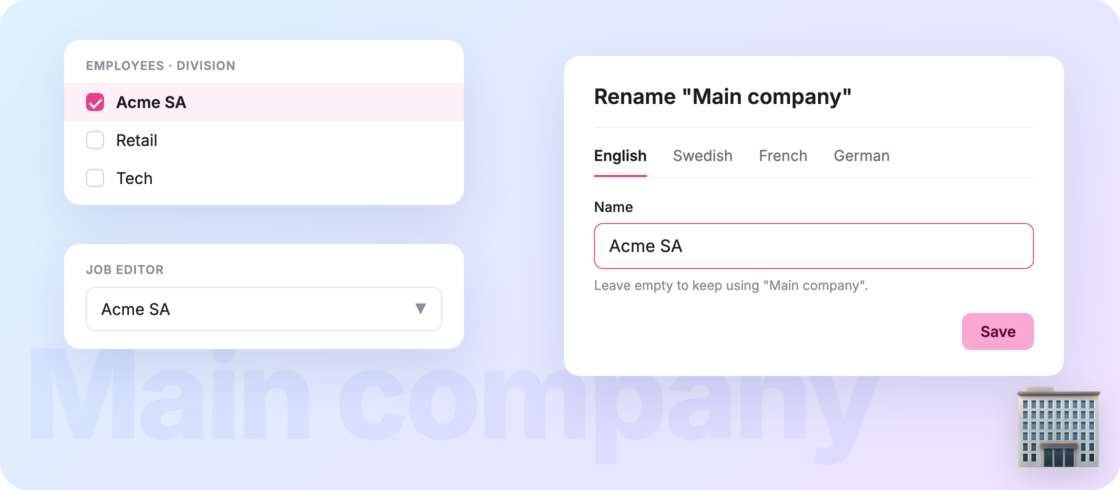


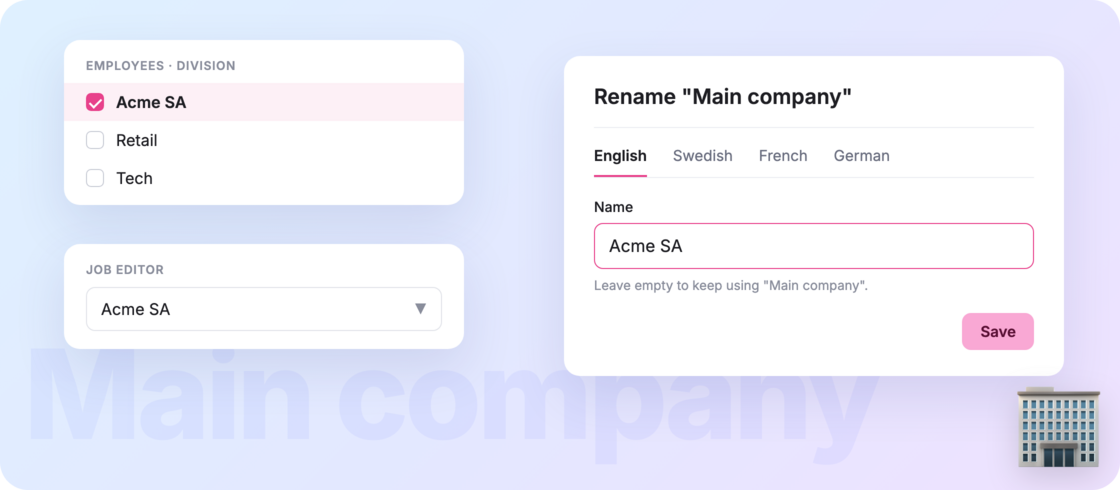
With divisions, everything that doesn’t belong to a specific division is shown as “Main company”. But not every organization calls it that, and some prefer to see their own company name instead.
Now you can choose ✨ Head to Settings >Organization >Divisions, click the pencil next to the Main company badge, type your company’s name (or whatever your team calls it) and save.
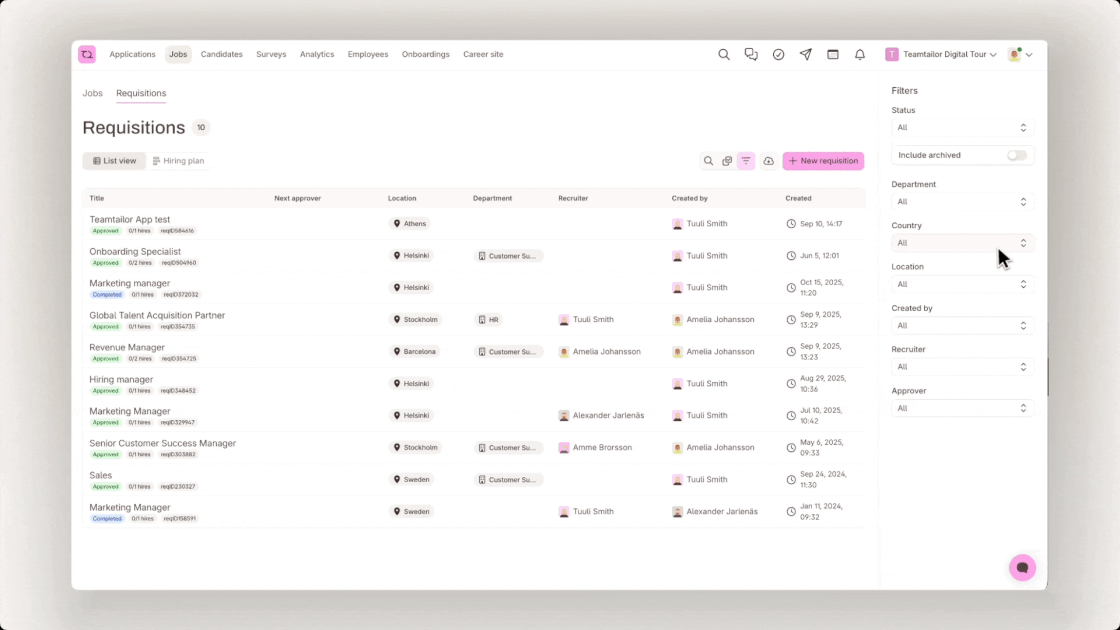
The new name shows up everywhere Main company used to appear: jobs, candidates, employees, filters, Analytics and the API. Haven’t set one? Nothing changes, it’s still Main company.
Your company, your name 💬