

Locations used to be shared across all divisions, so candidates browsing one division's career site could see offices that belonged to a completely different one.
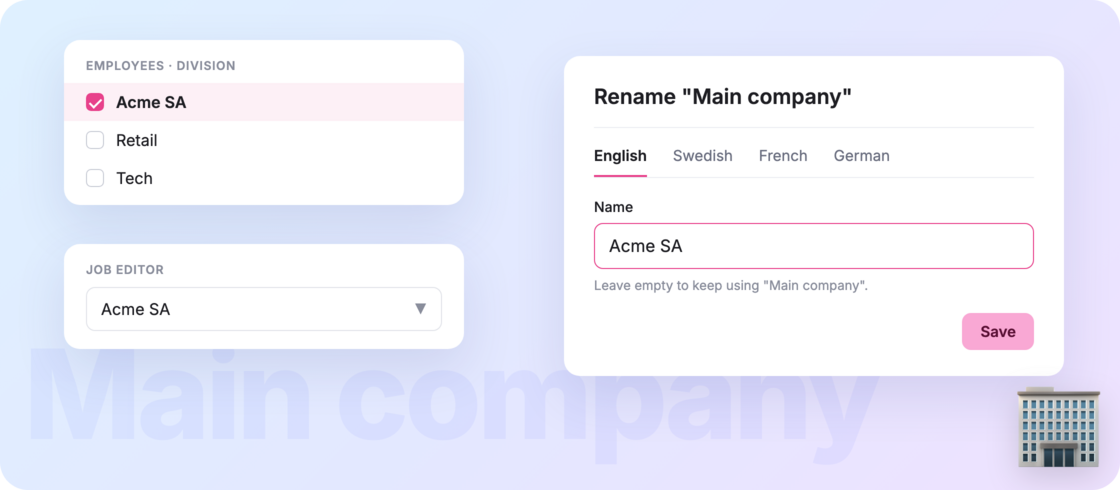
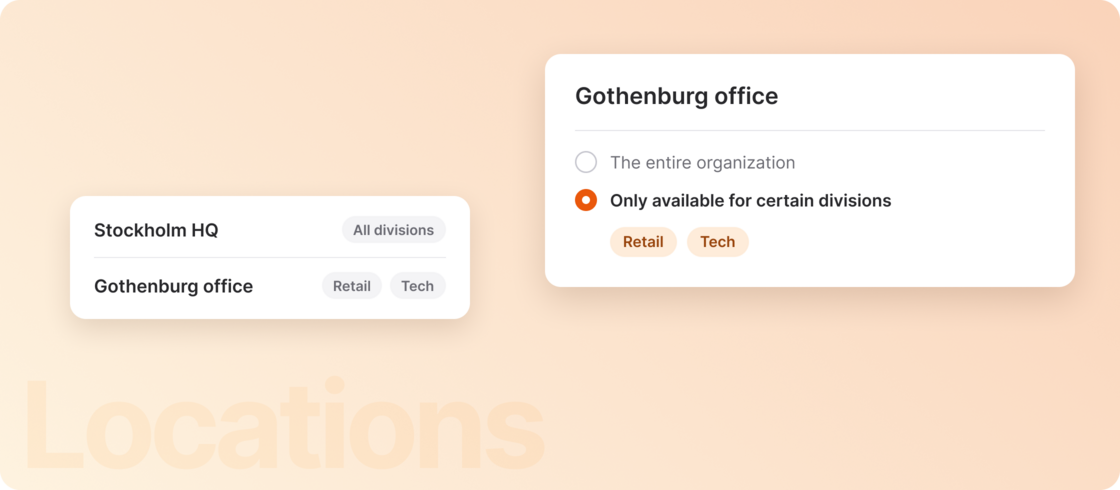
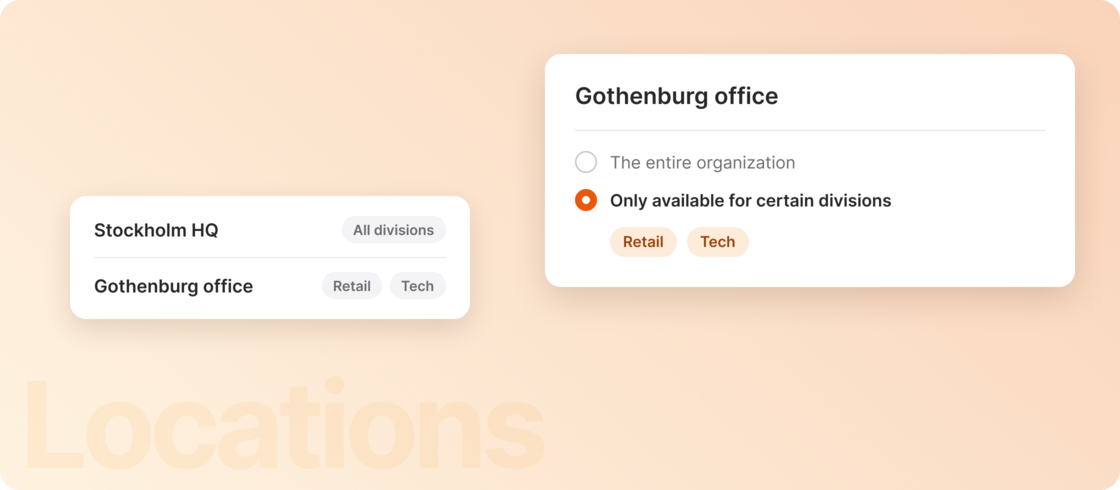
Not anymore ✨ You can now choose which divisions each location is available for. By default, locations stay available for the entire organization, unless you scope one in Settings > Locations to specific divisions (or Main company). Your headquarters always stays visible to everyone.
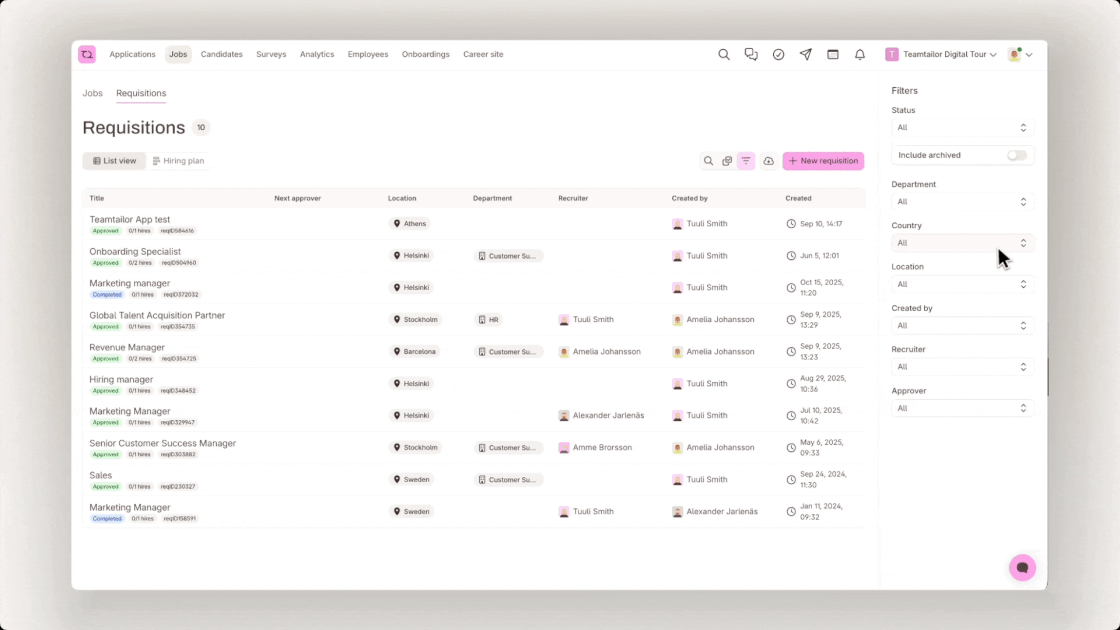
From there, jobs, candidates, and career sites for each division only show that division's own locations.
No more offices showing up where they don't belong. And each division's career site now shows candidates only the doors they can actually knock on.
Read more in our support article.