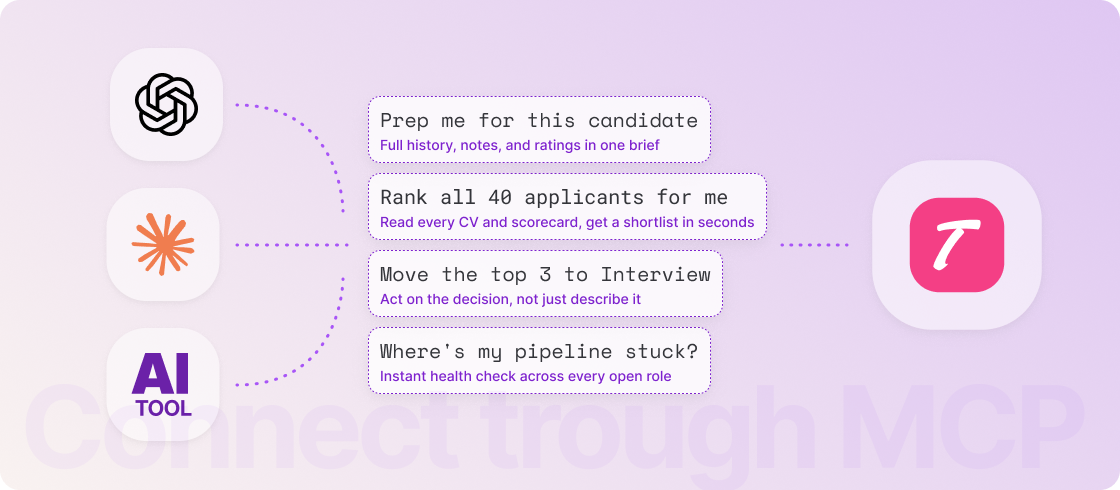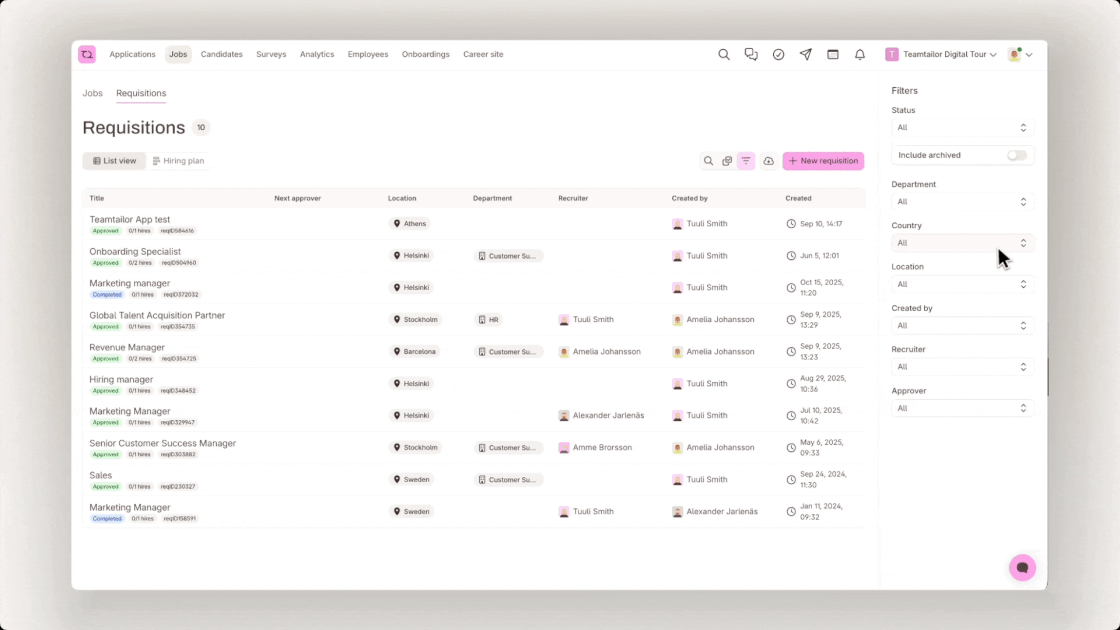


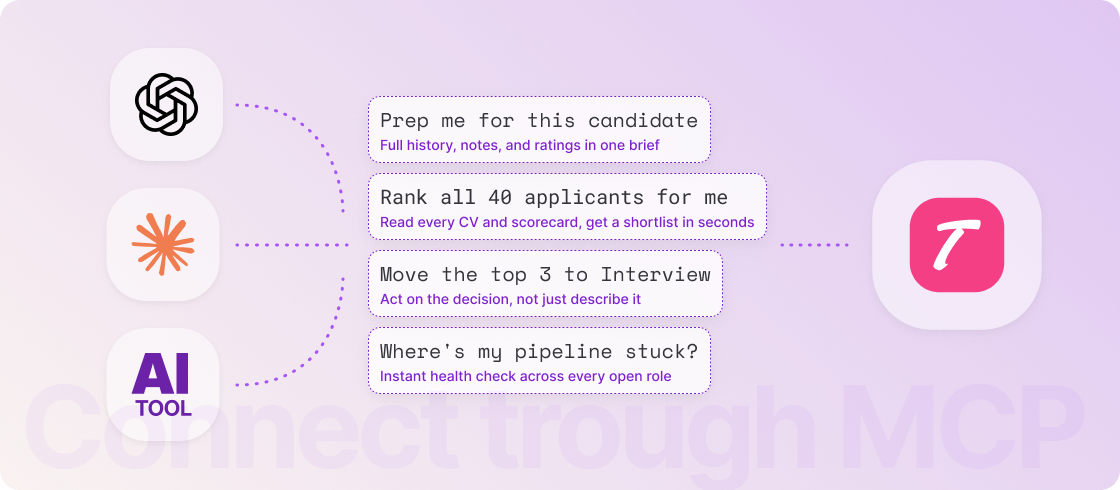
With our new MCP add-on, you can connect an AI assistant like Claude or ChatGPT directly to your Teamtailor account — to make sense of your jobs, candidates, and pipelines without clicking through screen after screen.
Ask about open roles, see how candidates move through each stage, or get a quick summary of a candidate's profile and history. When you're ready to act, your assistant can move applications between stages, add tags, set custom fields, manage todos, and update job postings.
Where it really shines
Candidate triage and shortlisting – Instead of opening 40 CVs one by one, ask your assistant to pull every application for a role, read the parsed resumes and scorecard ratings, and compare candidates against the job's required skills and traits. It'll suggest who to advance — and once you've decided, move them, tag them, and set a follow-up, all in one conversation.
Pipeline health at a glance – Ask "where are we across all open roles?" and get a real answer: stage counts, stale applications, follow-ups that need an owner. A fast way to prep for a standup or a weekly summary.
Good to know
MCP is available to everyone, whether or not you use our built-in Co-pilot. It works with your existing account and respects each user's permissions. By default, access is read-only — when you're ready to let assistants make changes, you can adjust it per role on the MCP settings page.