



Conheça as funcionalidades
A lista completa, organizada pelo uso que lhes vai dar. Cada ligação abre o artigo do centro de ajuda com um guia mais detalhado.
Posting a job
- Job tags Adding tags to your job ads makes it easier to filter in your job list, and allows you to group similar jobs together.
- Creating a new job Publish job ads easily either by using a pre-built template or starting from scratch.
- Optimized SEO for job ads Improve your ranking in search results with SEO optimization for your job ads.
- Scorecards Use scorecards to assess candidates based on personality and skills.
- Internal recruitment Want to only recruit internally? Post job ads that can only be seen by your employees.
- Job templates Novidade Make recruitment seamless and consistent by using templates to ensure your job ads follow the same structure, information, and style.
- Managing jobs Edit, archive, delete, and change the status of your jobs quickly and easily.
- Customizable hiring flows Recruit your way — tailor job stages and automations so that your hiring flow works for you.
Recruitment process
- Smart schedule Smart schedule auto-picks meeting times that work for you and your team, and sends candidates options to choose from.
- Triggers Use triggers to automatically send messages, surveys, share candidate profiles, and much more.
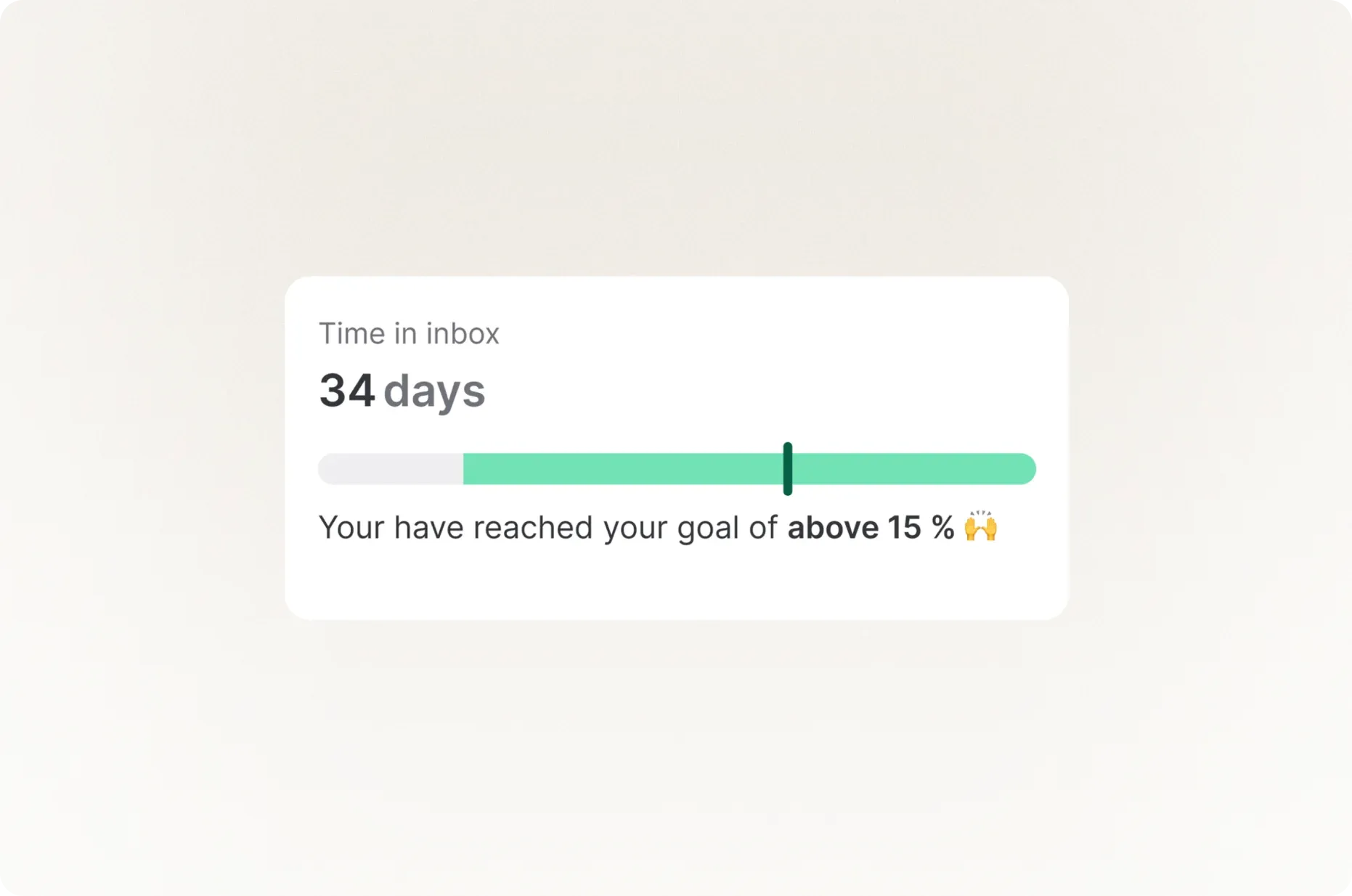
- Guide times Set the maximum amount of time you want your candidates to stay in a specific stage of the recruitment process.
- Deadlines Make it easier to achieve your goals and set a deadline for every stage of the recruitment process.
- Smart move Have candidates answer questions that automatically progress them through the hiring process based on specific criteria set by you.
- Source candidates Proactively source candidates and add them to the system manually.
- Quality of Hire Assess if your recruitment efforts have led to hiring the right candidates with a quality of hire evaluation.
- Qualifying questions Improve candidate and recruiter experience by adding questions that require a yes as an answer to complete the application.
- Personal page for new hires Create a shareable page that celebrates your hire’s new role, as well as gives an inside look at your company.
- Job Match score Gain a better overview of which candidates match the requirements in your ongoing recruitment process.
Candidate management
- Send job offers to candidates Create job offer templates that you can send to candidates with just a click of a button.
- Data and privacy centre for candidates Get a better overview of everything related to candidate data storage permissions and privacy.
- Restricted candidates Restrict access to specific candidates and make it accessible only to certain members of your team.
- Transparent recruitment Allow candidates to follow the progress of their application.
- Referrals Enable your employees to recommend candidates directly through Teamtailor and keep all your referrals in the same place.
- Share candidates Share a specific candidate's profile externally, and control what information is shared.
- Review your candidates Give your candidates an overall rating that can be viewed on the candidate's card and in the hiring flow.
- Anonymous candidates Hide candidates' personal information to avoid unconscious bias and focus only on their skills and experience.
- AI Suggestions Every time an application lands in your inbox, our AI identifies and marks which applications are considered top applicants.
- Recommendations Save time by viewing the candidate’s references within the system, and whether or not their references recommend working with them.
- Candidate pool Work with individual candidates in focus.
- Sourcing extension Source candidates from anywhere using our browser extension.
- Candidate Comparison Save time and make better hiring decisions by comparing candidates side by side for a clearer view of their qualifications, experience and skills.
Manage your user profile
Communicate with candidates
- Message templates Using templates makes it easier for users to follow communication guidelines rather than having to repeatedly type the same email.
- Bulk messaging Teamtailor's bulk feature can send the same message to multiple candidates simultaneously.
- Video meetings Use Teamtailor's built-in video meeting tool to schedule interviews with your candidates without the need for any external systems.
- Candidate chat Activate the candidate chat on your career site to communicate with your candidates before they even apply.
- Nurture email campaigns Attract, engage, and convert your passive candidates with Teamtailor's Nurture feature. Build relationships with your candidates today and fill your pipeline with talent for tomorrow.
- Connect Reach passive candidates and recruit proactively with Connect, a talent pool that allows candidates to subscribe to future job openings depending on their areas of interest.
- WhatsApp Novidade Automatically open a conversation with your candidates in WhatsApp from Teamtailor.
Generative AI (Co-pilot)
- Write job ads and job descriptions Co-pilot can help you write a job description instantly. Simply enter a title for your job ad and it will draft a description.
- Questions for candidate interviews When creating interview kits, Co-pilot can suggest interview questions based on the role description and job ad.
- Summarize resumes Scan a candidate's resume and get all the information summarized in their candidate card. Add weight of importance to specific skills to quickly reveal your top candidates.
- Video meeting summaries Record candidate video interviews and get a transcription and summary in real-time, which you can refer to and use later.
- Draft communications Draft emails to candidates, such as rejection or offer letters. Better yet, Co-pilot can include interview notes to provide specific feedback.
- Create content Get help creating content for your career site, including blog posts. Simply enter the topic and produce content in seconds.
- Candidate Screening Automatically assess your candidates and check them based on criteria set by you.
- Suggest existing candidates Co-pilot will suggest existing candidates from your talent pool based on previous applications and job requirements.
Team and collaboration
- Tag team members Enhance communication and work closer with your team by tagging them on specific candidate cards.
- Work with external recruiters Teamtailor allows you to invite external recruiters and/or agencies to your account so that you can collaborate.
- Employee dashboard Make it simple for your employees to refer others and give them the ability to share your jobs on their social networks.
Marketplace
- Promote Team Our Promote Team helps you to find the right candidates with just a click of the button.
- Apply with Linkedin Apply with LinkedIn is a plugin that you can activate for your account, making it possible for your candidates to apply to your job postings using their LinkedIn profiles.
- Partner integrations Use our list of amazing partners to boost your recruitment at every stage—from assessments to onboarding and more.
- Free job boards Automatically post your jobs to a variety of free job boards integrated with Teamtailor.
- Always included job boards With this feature, you can automatically forward job postings from Teamtailor to a variety of job boards integrated with the ATS.
- Zapier integration Connect Teamtailor to hundreds of other apps with Zapier.
- LinkedIn RSC Streamline your workflow between LinkedIn and Teamtailor by connecting your LinkedIn Recruiter account.
Career site and pages
- Built-in career site A fully functioning and easy-to-build career site attached to your ATS.
- Location pages Highlight your various office locations and what each offers your candidates.
- Career site settings Configure the foundations of your career site.
- Career sites in multiple languages Add similar career sites with translated content or create a unique experience for different languages all while keeping your candidates in one account.
- Team stories Using the Teamtailor app, your team can create their own content and share what it’s like to work at your company.
- Optimize SEO for your career site Improve your ranking in search results with SEO optimization for your career site.
- Custom fonts While designing your career site, use any of the provided fonts or use your own custom font.
- Lead pages Convert passive candidates with lead pages.
- Pages Pages allows you to create a career site, which can be used however you like. Target a specific group, such as graduates, or use a page to highlight certain initiatives.
- Content blocks Choose from a wide range of built-in content blocks, which you can drag and drop to make your career site pop.
- Blog posts Share up-to-date content with your future potential colleagues and let them know about activities, events, and general company updates.
- Corporate branding Tailor your career site to your company branding. Seamlessly add your own logos, colors, and fonts from your company website to your career site.
- CTA buttons Choose the right call-to-action button and add it to your career site to get more applications, increase traffic, and convert your visitors into applicants.
Your Teamtailor account
- To-do templates Assign custom to-dos to certain roles to make the onboarding of new users easier.
- Teamtailor API Our Teamtailor open API follows the JSON API specification and can be used to import, edit, and export information to and from your Teamtailor account.
- Employee templates You control what your employees can access. You can modify the default settings for existing employees. and apply them to new hires.
- Tags Organize your ATS with tags. Your custom tags can be applied to candidates, jobs, posts, and much more to filter your processes.
- SSO Allow your team to log in to Teamtailor using their existing company credentials.
- User access rights Assign roles to Teamtailor users and restrict access to specific roles.
- Mobile-app Use our iOS and Android apps to recruit and hire on the go.
- Group solutions Connect several Teamtailor accounts to one Parent account.
- Restricted Stage Access Restrict access to specific stages for hiring team members, ensuring each member only sees the parts of the process they should be helping out with.
- Job symbols Customize your jobs with specific symbols to easily scan and distinguish in the system.
Analytics and insights
- Job reports Get dedicated reports offering insights into your audience and recruitment data.
- Employee reports Get a full breakdown of your team's activities.
- EEO reporting and surveys Create your own custom surveys to send to candidates.
- Audience reports Learn more about your visitors and applicants with Audience reports.
- Team reports See a detailed report of your team's activity within the Teamtailor system.
- Recruitment reports Get data on how your recruitment is performing, including how many hires were made, time to hire, NPS, and much more.
- Google analytics and tag manager Get deeper insights into your Teamtailor site by using our Google integrations.
- NPS surveys Use NPS surveys to gather feedback from your candidates on the recruitment process.
- Facebook pixel Use your existing Facebook Ads account to gain deeper insights about visitors to your career site.
- Pipeline reporting Keep track of your candidates' journeys and see where you can improve with our pipeline reports.
- Custom reports Novidade Create tailored reports with columns and filters of your choice to include information relevant to you.
- Dashboard analytics Use the analytics dashboard and get all your insights in one convenient location.
- Group analytics If you're using our Group solution, use Group analytics to generate insights as a whole, or compare between different companies.
- Historic custom reports Create customized tables and visual graphs on all of your historic data.
Security and compliance
- Sub-processors Teamtailor uses various sub-processors to provide integral parts of our service, processing personal data on behalf of Teamtailor’s customers.
- Approval checkboxes Collect consents to store candidates' data for current and future job openings.
- Audit logs Keep track of activities in the system to follow up on different actions taken by candidates.
- Candidate data and privacy features Teamtailor enables candidates to handle their data as they chose.
- Cookie policy and consent Stay compliant with current regulations with a cookie policy, and collect cookie consent from your visitors.
- GDPR features GDPR applies to every company that handles personal data within the EU, and we make GDPR compliance easy.
- Automatically remove your candidates' data Eliminate manual tasks and keep your database organized by automatically removing candidates' data when they meet certain criteria.
Onboarding
- Templates Customize onboarding templates to suit various departments, locations or roles.
- Overview Get a clear view of all of your onboardings and their progress in your Onboardings tab.
- Tasks Create to-dos for both your new hires and your colleagues.
- Candidate dashboard New hires can access their own onboarding dashboard, tailored by you. Here, they can view all their messages, to-dos, files they can both approve or ones they need to upload themselves and any forms they need to fill in.
Extra add-ons

Experimente a magia da Teamtailor
Entre em contacto connosco ou faça um teste